app

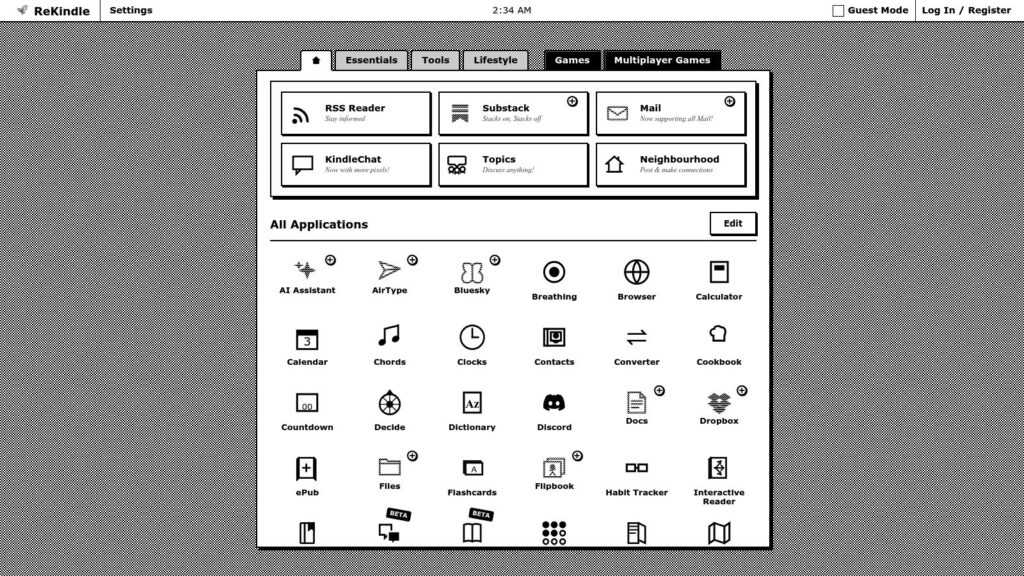
ReKindle

ReKindle is a web-based dashboard designed to upgrade E-ink devices like Kindle, Kobo, and Boox by turning them into versatile productivity tools, gaming devices, and news hubs. It supports firmware 5.16.4 and above and offers a wide range of applications and games within a unified interface, enhancing the capabilities of e-readers without sharing or selling user data.

https://rekindle.ink/

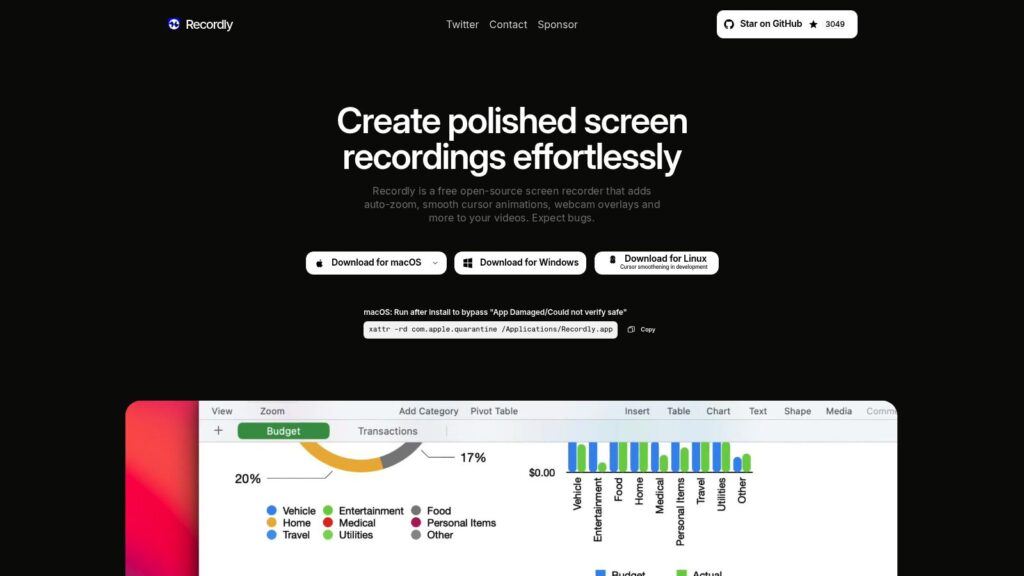
Recordly – Open-source App for Incredible Screen Recordings.

Recordly is a free, open-source screen recording software that enhances videos with auto-zoom, smooth cursor animations, dynamic webcam overlays, and customizable backgrounds to minimize editing time. It features a user-friendly timeline editor for controlling video speed, zoom, annotations, audio, and more, while supporting dual audio sources, project saving, and export options like MP4 and GIF. Designed for creators, Recordly is available on macOS, Windows, and Linux with no paywalls or limits.

https://recordly.dev/

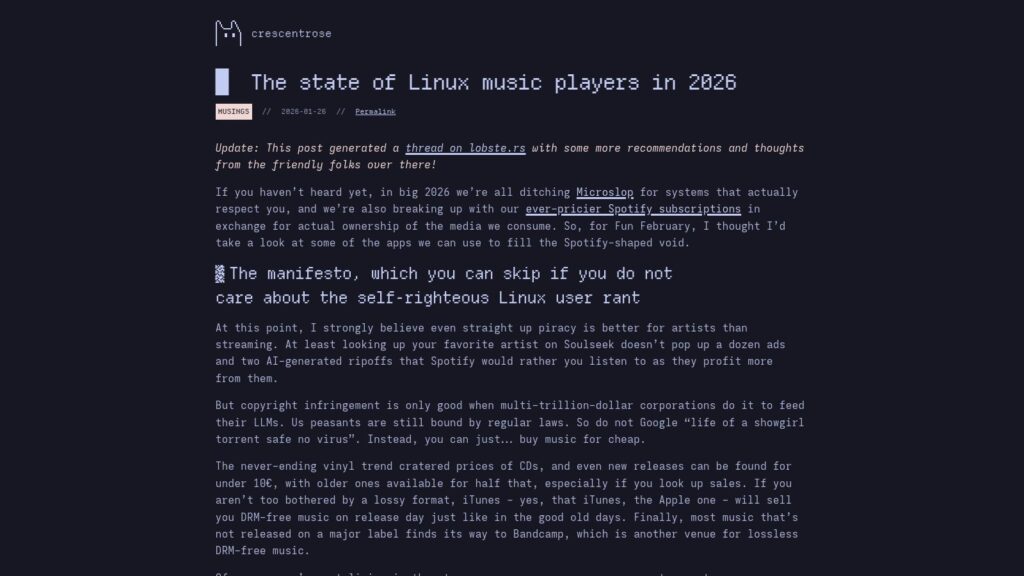
The State of Linux Music Players in 2026

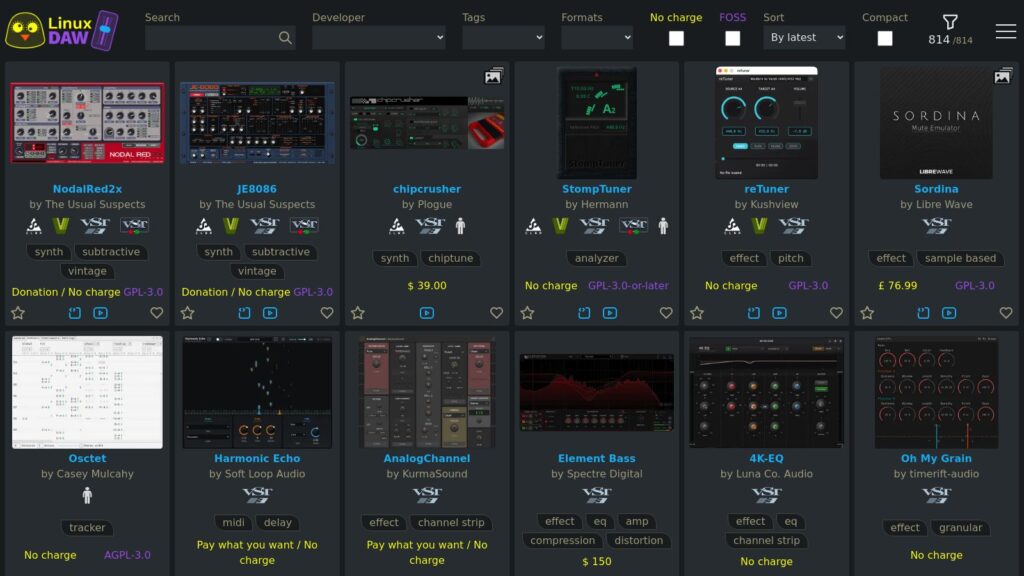
In 2026, users are moving away from mainstream services like Microsoft and Spotify in favor of Linux music players that support media ownership. The article reviews various players, emphasizing features such as user-friendly interfaces and library management. Key players include:

  • Amberol: Simple and minimal, great for casual use.
  • Euphonica: MPD client with good features, stylish design but some quirks.
  • Feishin: Fully-featured and user-friendly for self-hosted services, despite Electron-based drawbacks.
  • Lollypop: Innovative but has a clunky user experience.
  • Recordbox: Offers a smooth onboarding and good library management.
  • Tauon: Tailored for power users, with extensive features and network source support.
  • Strawberry & Clementine: Classic options with outdated interfaces but functional.

Overall, the landscape for Linux music players is improving, providing users with diverse, customizable options for music enjoyment.

https://crescentro.se/posts/linux-music-players-2026/

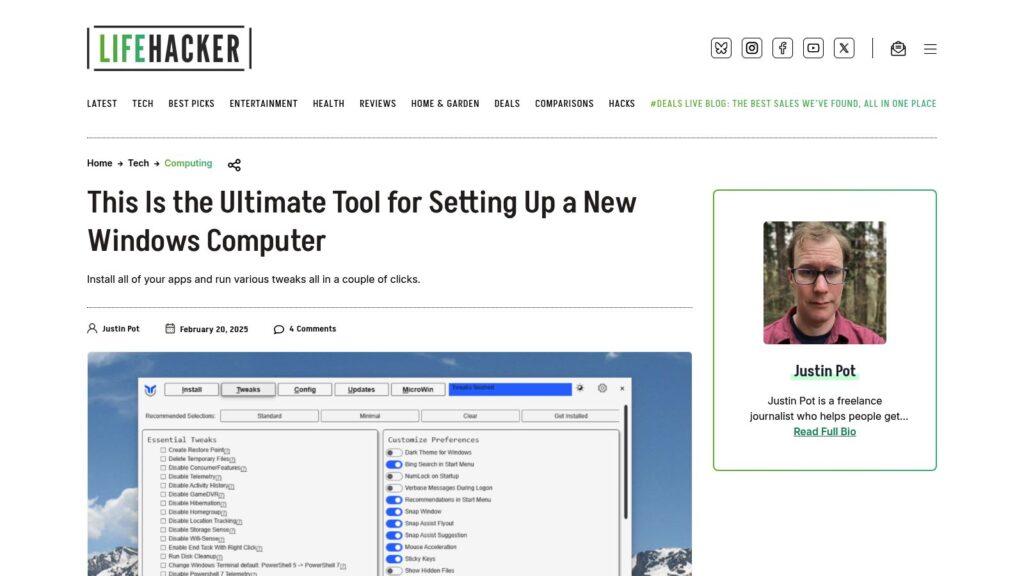
This Is the Ultimate Tool for Setting Up a New Windows Computer

WinUtil simplifies setting up new Windows computers by installing apps and making tweaks with minimal effort. Users can install apps by checking boxes and run various tweaks to customize settings. It offers options for managing updates and installing additional features. The tool is available for free via Windows PowerShell or can be purchased as an EXE file. It also allows exporting configurations for use on other machines.

https://lifehacker.com/tech/this-is-the-ultimate-tool-for-setting-up-a-new-windows-computer

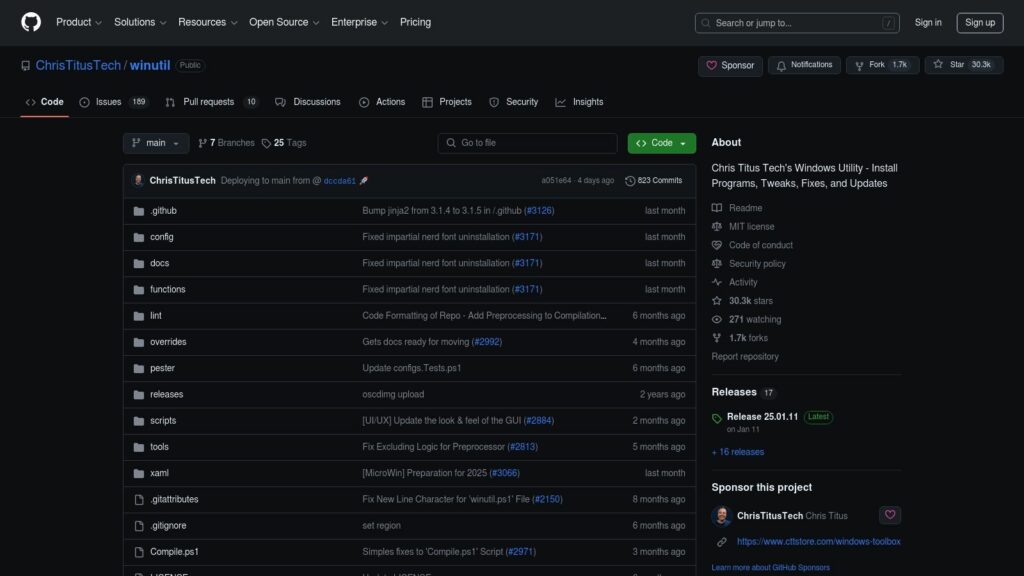
GitHub – ChrisTitusTech/winutil: Chris Titus Tech’s Windows Utility – Install Programs, Tweaks, Fixes, and Updates

Winutil by Chris Titus Tech is a Windows utility for installing programs, making tweaks, and fixing updates. It requires administrator access and can be launched via PowerShell. The utility simplifies Windows tasks, debloats, and troubleshoots configurations. For usage, stable and development branch commands are provided. Support includes documentation and a YouTube tutorial.

https://github.com/ChrisTitusTech/winutil

Scroll to Top