productivity

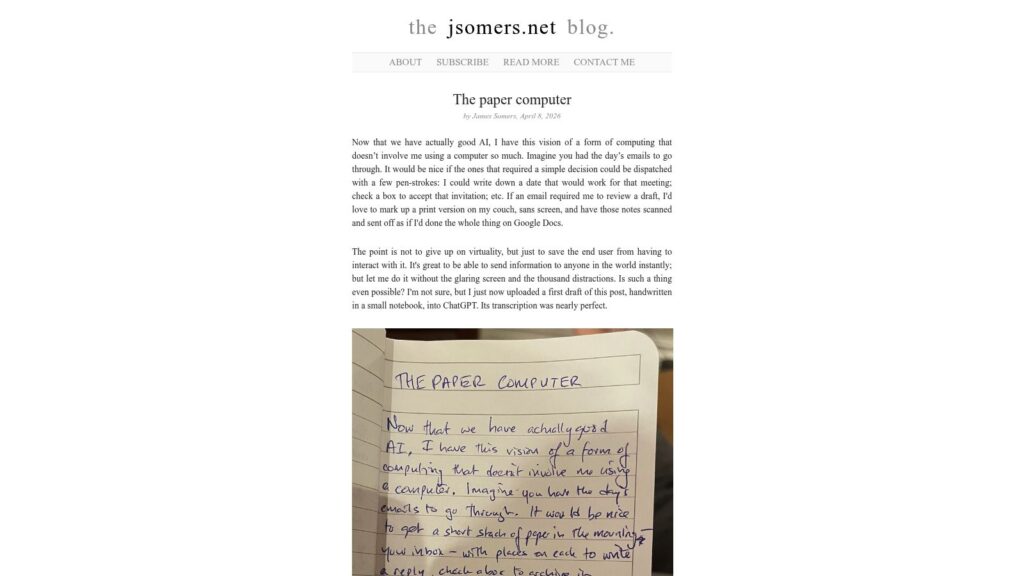
The Paper Computer

In his blog post “The paper computer,” James Somers envisions a future where computing blends the physical and virtual worlds, allowing people to interact with digital tasks through tangible, paper-like methods such as handwriting notes or organizing physical cards, while still retaining the flexibility and connectivity of digital systems. He reflects on the limitations of screens and multitasking distractions and imagines technologies that enable focused, single-purpose modes of interaction, aiming to reduce screen time and foster a more natural, less frenetic experience with technology.
https://jsomers.net/blog/the-paper-computer

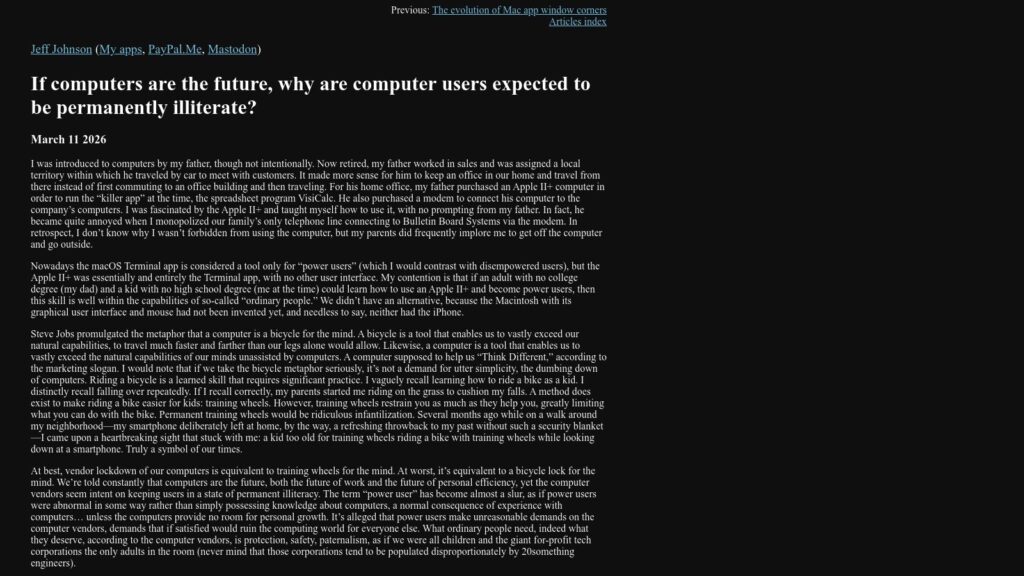
If Computers Are the Future, Why Are Computer Users Expected to Be Permanently Illiterate?

Jeff Johnson reflects on his early experience with computers, arguing that ordinary users are fully capable of becoming skilled “power users” if given the opportunity, as demonstrated by his and his father's self-taught proficiency with the Apple II+. He criticizes modern computer vendors, especially Apple, for increasingly locking down devices and simplifying interfaces in a way that limits user autonomy and fosters permanent illiteracy, warning that this trend—amplified by AI—risks disempowering users and curtailing genuine learning and growth.

https://lapcatsoftware.com/articles/2026/3/5.html

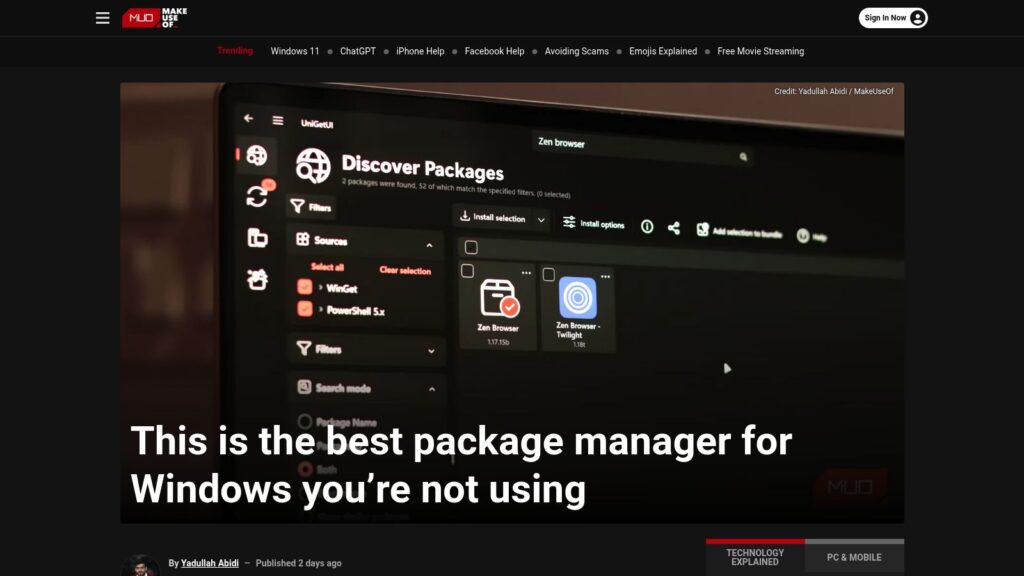
This Is the Best Package Manager for Windows You’re Not Using

UniGetUI is a new, user-friendly package manager for Windows that combines several existing package managers (like Winget and Chocolatey) into a single interface. It simplifies app installations, updates, and management, allowing users to search and install software across multiple sources without command-line usage. Key features include bulk installations, background update checks, and the ability to create and share app bundles. UniGetUI is free, open-source, and aims to streamline the often frustrating app management experience on Windows.

https://www.makeuseof.com/best-package-manager-for-windows/

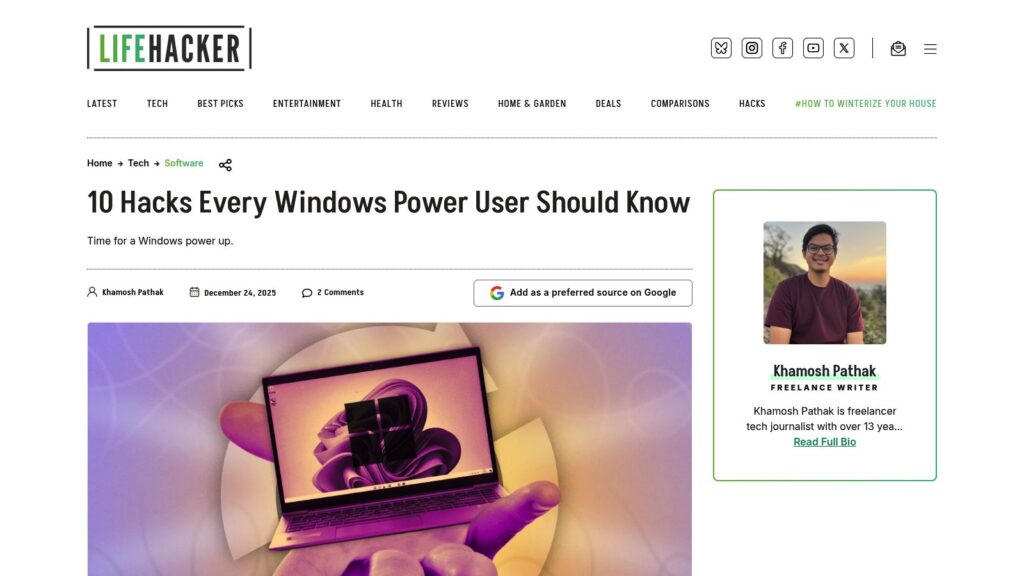
10 Hacks Every Windows Power User Should Know

TLDR: Ten Windows hacks enhance productivity: 1) Use Command Palette for efficient control; 2) Replace File Explorer with the better Files app; 3) Customize the taskbar/start menu with ExplorerPatcher or Start11; 4) Transform UI with Seelen; 5) Improve dark mode using PowerToys; 6) Utilize Snap layouts for window organization; 7) Streamline app management with Winget or UniGetUI; 8) Access clipboard history with Windows + V; 9) Focus using the Clock app’s Focus Sessions; 10) Create custom keyboard shortcuts via PowerToys.

https://lifehacker.com/tech/best-hacks-for-windows-power-users

Scroll to Top