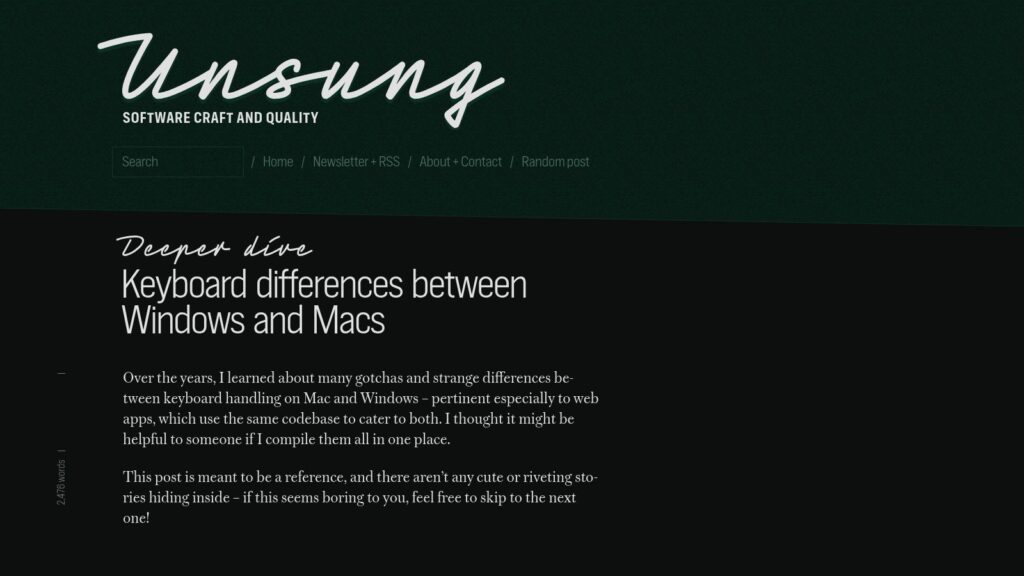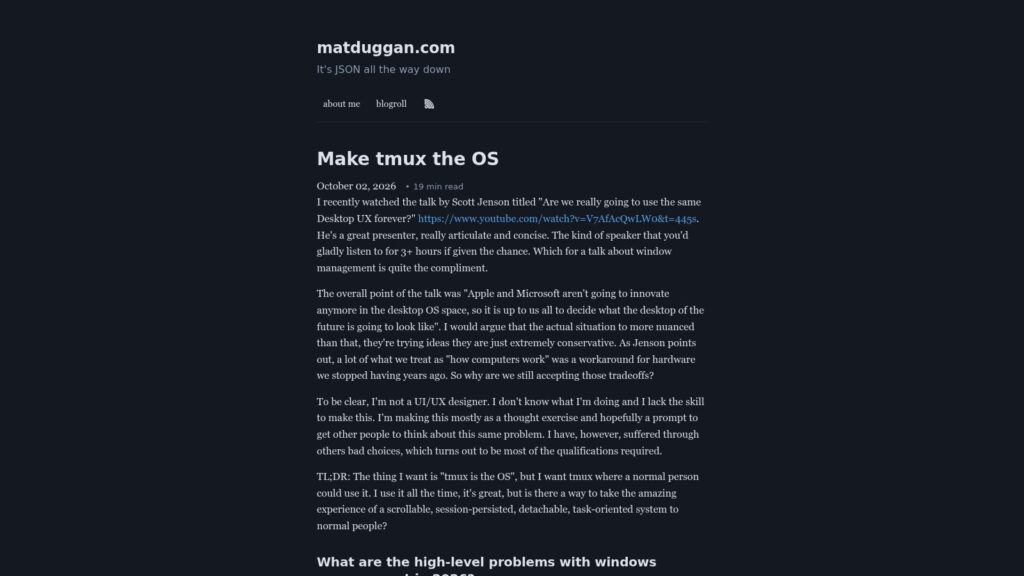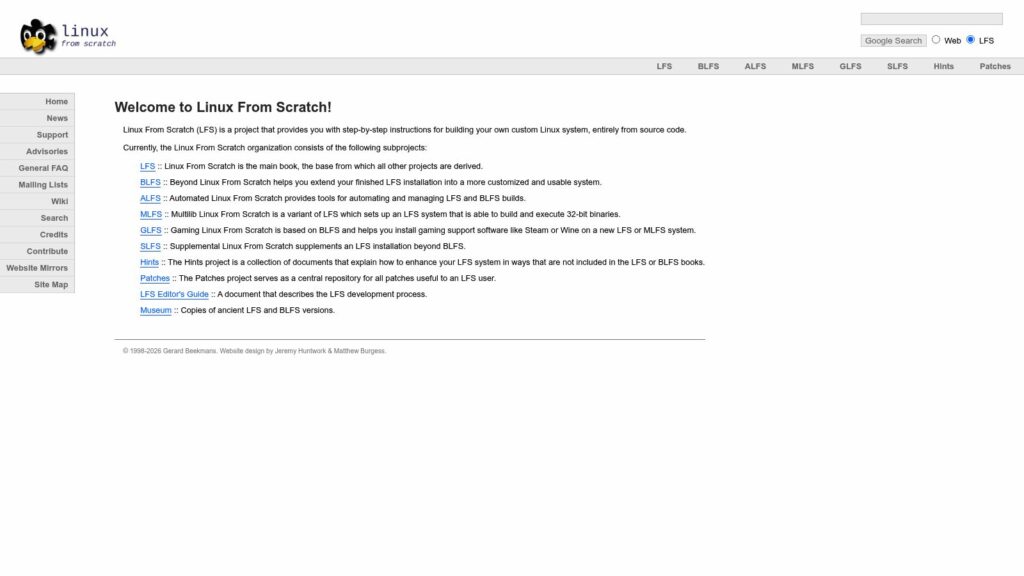
GDID Windows – Cut the Tracker That Follows You Even Through a VPN

Windows assigns a unique 64-bit identifier called GDID to each user account, which Microsoft stores on its servers and continuously links to that user—even when using a VPN. Attempts to delete or disable the GDID locally fail because the system re-downloads it from Microsoft, and disabling telemetry services does not stop its reporting. A solution involves disabling related Windows services and blocking specific Microsoft endpoints via the hosts file, which prevents the GDID from being reported while keeping the Microsoft account functional, but does not erase previously collected identifiers or ensure full anonymity.

https://korben.info/en/gdid-windows-cut-tracker-vpn.html

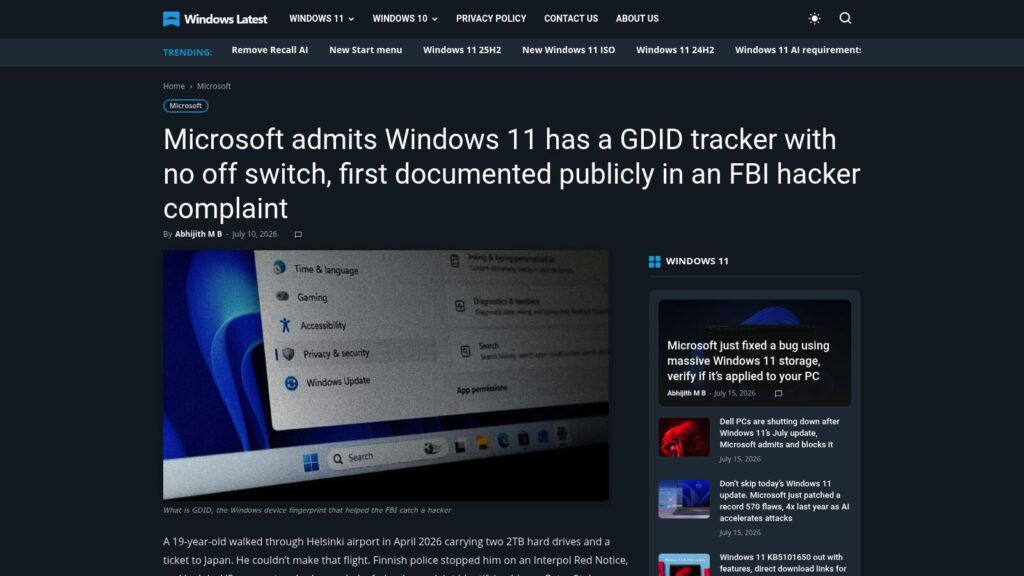
You Can’t Fully Disable Microsoft’s GDID Windows 11 Tracker, but These Settings Limit What It Captures

Microsoft has acknowledged that Windows 11 includes a Global Device Identifier (GDID), a persistent, device-level tracker tied to a user’s Microsoft Account with no option to disable it outright. The GDID played a key role in an FBI case by allowing authorities to trace a hacker’s device across VPNs and countries, but its presence raises privacy concerns since it automatically links online activities to a single Windows installation without explicit user consent. While reinstalling Windows generates a new GDID, signing back into the same Microsoft Account allows Microsoft to correlate activity across installations, limiting user control over this identifier.

https://www.windowslatest.com/2026/07/10/you-cant-fully-disable-microsofts-gdid-windows-11-tracker-but-these-settings-limit-what-it-captures/

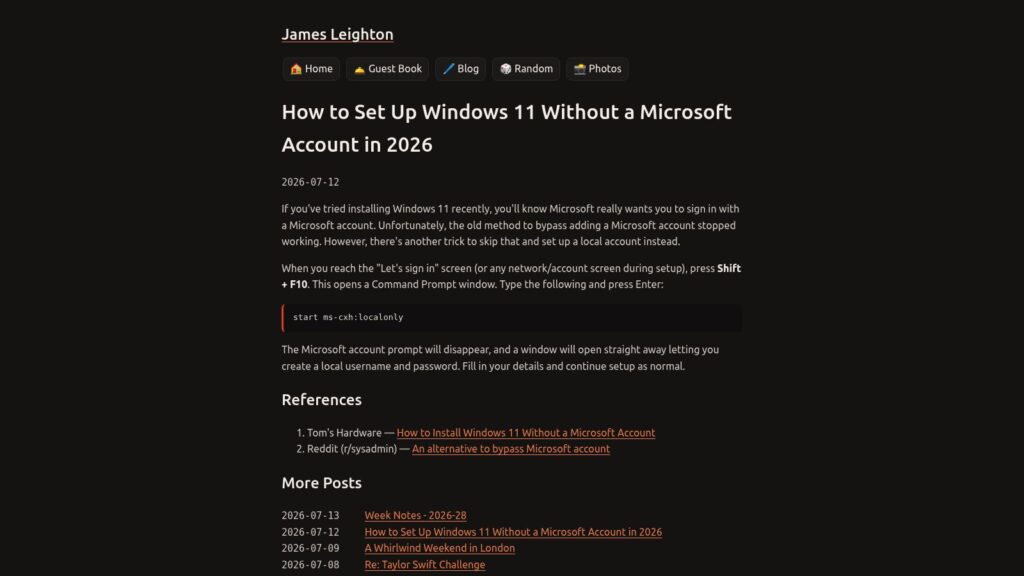
How to Set Up Windows 11 Without a Microsoft Account in 2026

In 2026, to set up Windows 11 without using a Microsoft account, users can bypass the mandatory sign-in by pressing Shift + F10 at the account setup screen to open Command Prompt, then entering “start ms-cxh:localonly”. This command closes the Microsoft account prompt and allows the creation of a local user account, enabling setup to continue without a Microsoft account.

https://www.jamesleighton.com/how-to-set-up-windows-11-without-a-microsoft-account-in-2026/

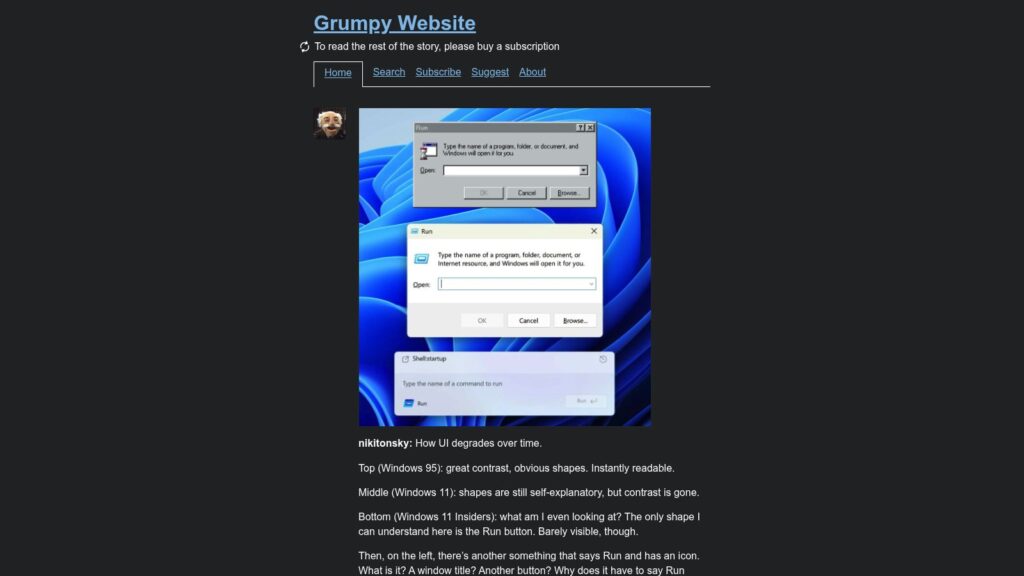
How UI Degrades Over Time

The article critiques the progressive decline in user interface clarity from Windows 95 to modern Windows 11 versions, highlighting how earlier interfaces offered high contrast and intuitive shapes that made features like the Run dialog instantly readable. In contrast, the latest designs suffer from poor contrast, unclear elements, redundant labels, and lack of visual cues, rendering the interface confusing and less functional for users. The author emphasizes that while older interfaces prioritized usability and adherence to system conventions, newer ones appear more like puzzles or art objects that fail to facilitate user tasks effectively.

https://grumpy.website/1723

Understanding Windows Monthly Updates

Windows monthly updates include regular security releases on the second Tuesday of each month, designed to maintain device security and health through cumulative fixes. Optional non-security preview updates, typically released later in the month, allow IT teams and users to test upcoming features and fixes before they are broadly deployed in the next security update. Microsoft also issues out-of-band updates for urgent fixes and delivers new Windows 11 features gradually through various update channels, encouraging organizations to install updates promptly to ensure device protection and productivity.

https://techcommunity.microsoft.com/blog/windows-itpro-blog/understanding-windows-monthly-updates-servicing-explained/4532290

I Argued with a Security Expert About Guest Wi-Fi… and Won

A PCWorld editor debated a security expert about the value of guest Wi-Fi networks in home setups, ultimately finding that while not perfectly secure, guest networks provide practical isolation that reduces risk from vulnerable smart devices and visitors. The expert agreed that guest Wi-Fi can offer some protection if devices require connectivity but cannot be fully trusted, especially when using routers like Ubiquiti’s Dream Router which clearly document and implement effective network isolation features. The article emphasizes guest Wi-Fi as a useful risk reduction measure rather than a foolproof security solution for typical consumer environments.

https://www.pcworld.com/article/3186610/i-argued-with-a-security-expert-about-guest-wi-fi-and-won.html

You Paid Me, a Long-Time Linux User, to Use Windows 11 Exclusively for a Month: Here’s How It Went

After using Windows 11 exclusively for a month as a longtime Linux user, Thom Holwerda found the experience riddled with usability issues such as poor hardware support during installation, inconsistent UI design across applications, complicated application management, and intrusive telemetry prompting. While Windows 11 offers some refinements like a modern Settings app and useful features such as a clipboard manager and emoji picker, persistent problems with sleep functionality, fan control, and forced online accounts overshadowed these positives. Ultimately, Holwerda concluded that Windows 11 lacked the user respect, consistency, and privacy that Linux provides, leading him to return to the Linux environment after the trial.

https://www.osnews.com/story/145459/you-paid-me-a-long-time-linux-user-to-use-windows-11-exclusively-for-a-month-heres-how-it-went/

OpenTools / OpenPrinter

OpenPrinter is a compact, robust, and fully repairable printer designed for longevity and reduced environmental impact, featuring refillable ink cartridges that lower printing costs and waste. It supports standard paper sheets and rolls with an integrated cutter, offers flexible installation options, and operates across major operating systems via an open-source print server. Available as a self-assembly kit or pre-assembled, it encourages customization through open-source components and aims to provide a sustainable, economical alternative to traditional printers.

https://www.opentools.studio/

The Browser Wars Aren’t About Search Anymore — Here Are the Best Alternatives to Chrome and Safari

The browser market in 2026 is shifting from search dominance to AI integration, with new browsers aiming to act as personal assistants that handle tasks within the browser. Alternatives to Chrome and Safari now include AI-powered options like Perplexity’s Comet, The Browser Company’s Dia, Opera’s Neon, and OpenAI’s Atlas, as well as privacy-focused browsers such as Brave and DuckDuckGo. Additionally, niche browsers like Opera Air and SigmaOS cater to productivity and mindfulness, reflecting a broader move toward more personalized and task-oriented web experiences.

https://techcrunch.com/2026/07/03/as-the-browser-wars-heat-up-here-are-the-hottest-alternatives-to-chrome-and-safari-in-2026/

Open Source Alternatives to Popular Software

OpenAlternative.co offers a comprehensive catalog of open source software alternatives to popular proprietary tools across various categories, such as project management, AI development, communication, and more. The platform highlights open source projects like Novu for multi-channel notifications, Postiz for social media scheduling, and Cap for screen recording, enabling users to replace commercial software with free, community-supported options. This resource promotes transparency, innovation, and self-hosting possibilities for individuals and organizations seeking to move away from proprietary software ecosystems.

https://openalternative.co/

Microsoft Says New Outlook Is Now Closer to Outlook Classic, Adds .PST Advanced Support and Other Features

Microsoft has updated New Outlook to bring it closer to the classic version by adding advanced support for .PST files, including improved import and search capabilities, though it still requires Outlook Classic to be installed for now. Additional features nearing release include improved calendar update controls and a fix for sent emails not appearing in delegated mailboxes. Microsoft plans to remove the dependency on Outlook Classic later this year and will end .PST feature development once bulk import capabilities are fully implemented.

https://www.windowslatest.com/2026/07/01/microsoft-says-new-outlook-is-now-closer-to-outlook-classic-adds-pst-advanced-support-and-other-features/

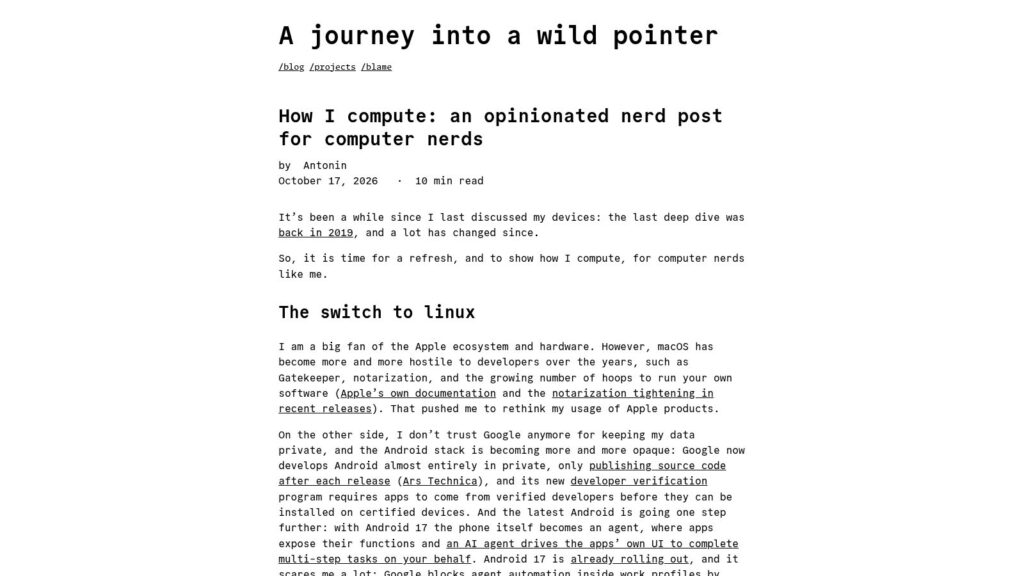
The Last People Who Know How It Works

The author reflects on the deep familiarity early computer users had with their machines, gained by overcoming technical challenges to make software run, contrasting this with today's highly accommodating AI-driven tools that require no such effort or understanding. While some lament a loss of hands-on competence, the author argues that what is truly fading is the intimate, hard-earned acquaintance with machines—a relationship built through difficulty and struggle. This shift means modern users will depend more on technology but know it far less than previous generations did.

https://unix.foo/posts/last-people-who-know-how-it-works/

Microsoft’s New Outlook Takes 10 Seconds to Do What Outlook Classic Does Instantly on Windows

Microsoft’s new Outlook app for Windows, built on the WebView2 web engine, takes about 10 seconds to open an email directly from a Windows 11 notification, while the older Outlook Classic app displays the email almost instantly. Despite improvements in launch times and feature updates, the new Outlook’s reliance on multiple browser-based processes results in higher memory and CPU usage and slower notification handling. Microsoft is working on native WinUI apps to address these performance issues, but for now, Outlook Classic remains faster for notification-driven workflows.

https://www.windowslatest.com/2026/06/15/microsofts-new-outlook-takes-10-seconds-to-do-what-outlook-classic-does-instantly-on-windows/

Microsoft Brings Coreutils to Windows

At its Build conference, Microsoft announced a preview release of coreutils for Windows, a set of UNIX-style command-line utilities ported from the Rust-based uutils project that run natively on Windows. These tools aim to provide consistent command behavior across Linux, macOS, WSL, and Windows to ease scripting and automation across platforms, though some POSIX-specific commands and Windows conflicts are excluded or limited. The utilities are installable via WinGet and support standard flags and pipelines familiar to developers working in UNIX-like environments.

https://www.osnews.com/story/145206/microsoft-brings-coreutils-to-windows/

It Will Never Be the Year of the Linux Desktop

The article argues that the long-anticipated “year of the Linux desktop” will never arrive because the future of desktop computing is increasingly defined by agent-driven interaction rather than human use alone. While macOS leads with a robust, default accessibility infrastructure that now enables AI agents to control the system effectively, Windows struggles with legacy app support despite having strong accessibility APIs, and Linux faces fragmentation and lack of centralized effort to unify similar capabilities. This shift toward agent compatibility favors platforms with cohesive ecosystems and dedicated resources, which Linux lacks, making it unlikely to dominate the desktop market.

https://unix.foo/posts/it-will-never-be-the-year-of-the-linux-desktop/

Scroll to Top