tools

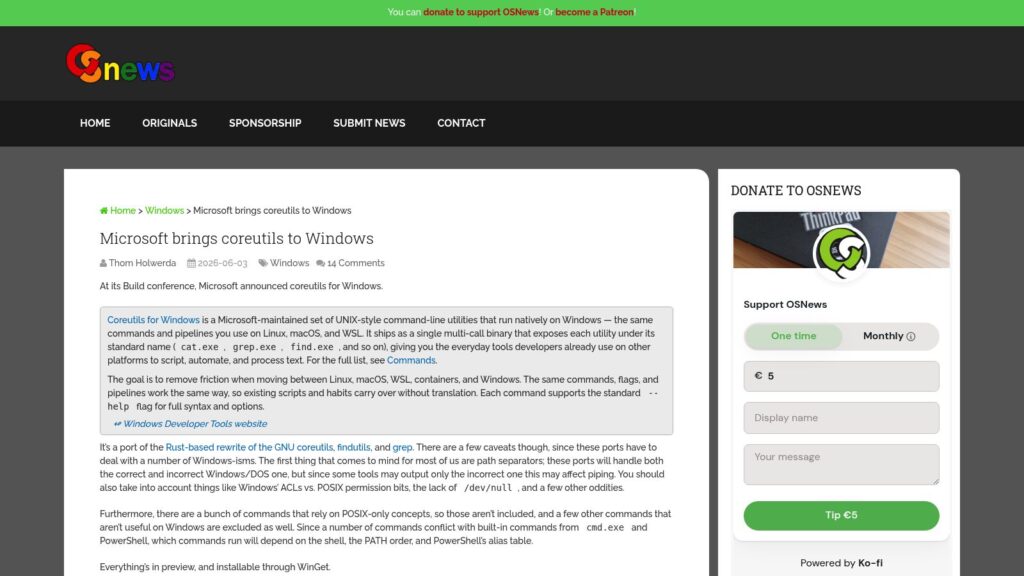
Microsoft Brings Coreutils to Windows

At its Build conference, Microsoft announced a preview release of coreutils for Windows, a set of UNIX-style command-line utilities ported from the Rust-based uutils project that run natively on Windows. These tools aim to provide consistent command behavior across Linux, macOS, WSL, and Windows to ease scripting and automation across platforms, though some POSIX-specific commands and Windows conflicts are excluded or limited. The utilities are installable via WinGet and support standard flags and pipelines familiar to developers working in UNIX-like environments.

https://www.osnews.com/story/145206/microsoft-brings-coreutils-to-windows/
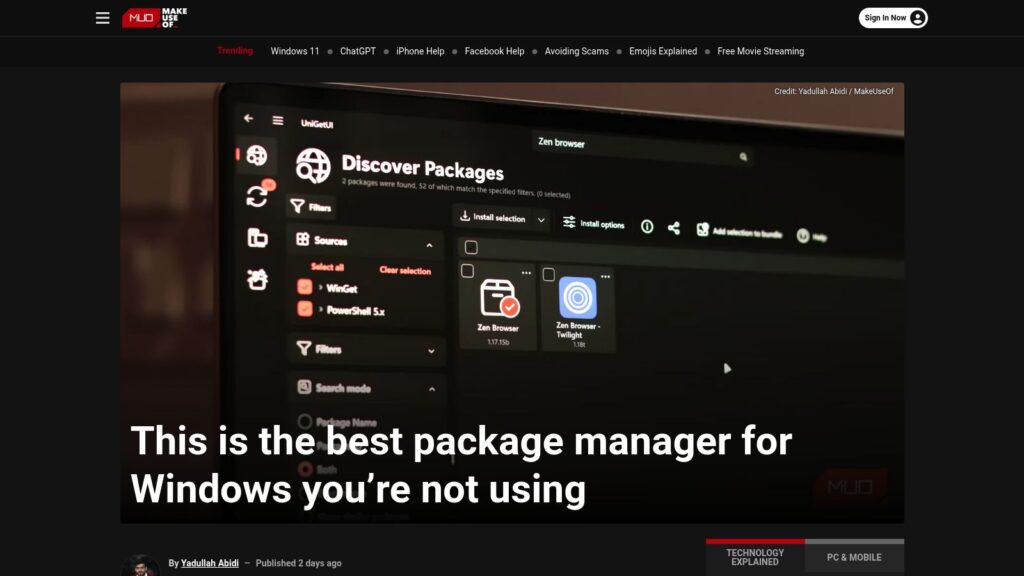
This Is the Best Package Manager for Windows You’re Not Using

UniGetUI is a new, user-friendly package manager for Windows that combines several existing package managers (like Winget and Chocolatey) into a single interface. It simplifies app installations, updates, and management, allowing users to search and install software across multiple sources without command-line usage. Key features include bulk installations, background update checks, and the ability to create and share app bundles. UniGetUI is free, open-source, and aims to streamline the often frustrating app management experience on Windows.

https://www.makeuseof.com/best-package-manager-for-windows/

10 Hacks Every Windows Power User Should Know

TLDR: Ten Windows hacks enhance productivity: 1) Use Command Palette for efficient control; 2) Replace File Explorer with the better Files app; 3) Customize the taskbar/start menu with ExplorerPatcher or Start11; 4) Transform UI with Seelen; 5) Improve dark mode using PowerToys; 6) Utilize Snap layouts for window organization; 7) Streamline app management with Winget or UniGetUI; 8) Access clipboard history with Windows + V; 9) Focus using the Clock app’s Focus Sessions; 10) Create custom keyboard shortcuts via PowerToys.

https://lifehacker.com/tech/best-hacks-for-windows-power-users

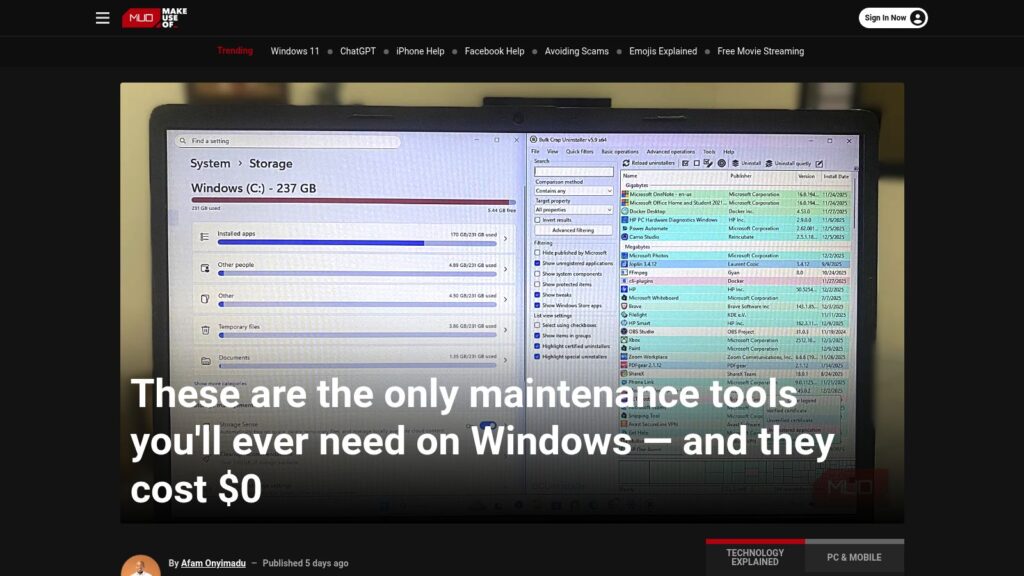
These Are the Only Maintenance Tools You’ll Ever Need on Windows — and They Cost $0

Free Windows maintenance tools eliminate clutter, enhance performance, and ensure system health without cost. Key utilities include:

  1. BCUninstaller – Deep deletions of apps.
  2. BleachBit – Cleans system files, enhancing speed.
  3. WizTree – Quickly analyzes disk usage.
  4. CrystalDiskInfo – Monitors drive health.
  5. Snappy Driver Installer Origin – Updates drivers offline.
  6. Duplicati – Sets up encrypted backups.
  7. Sysinternals Suite – Advanced diagnostics for system issues.

These tools provide essential functionalities, saving costs and offering efficient computer maintenance.

https://www.makeuseof.com/only-maintenance-tools-youll-ever-need-on-windows-they-cost-0/

Scroll to Top