windows

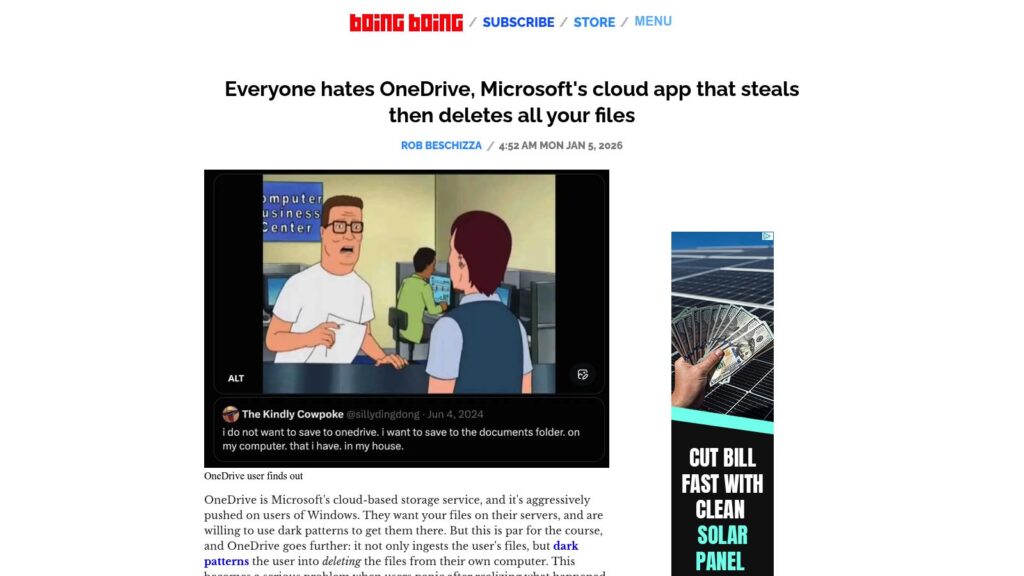
Everyone Hates OneDrive, Microsoft’s Cloud App That Steals Then Deletes All Your Files

OneDrive, Microsoft's cloud storage, is criticized for stealthily uploading and deleting user files without clear warnings, leading to user panic. When attempting to manage files, users may inadvertently erase data from their own computers. This deceptive design has been likened to a ransomware attack, complicating file management and control. Users are advised to consider alternative operating systems for better data security.

https://boingboing.net/2026/01/05/everyone-hates-onedrive-microsofts-cloud-app-that-steals-then-deletes-all-your-files.html

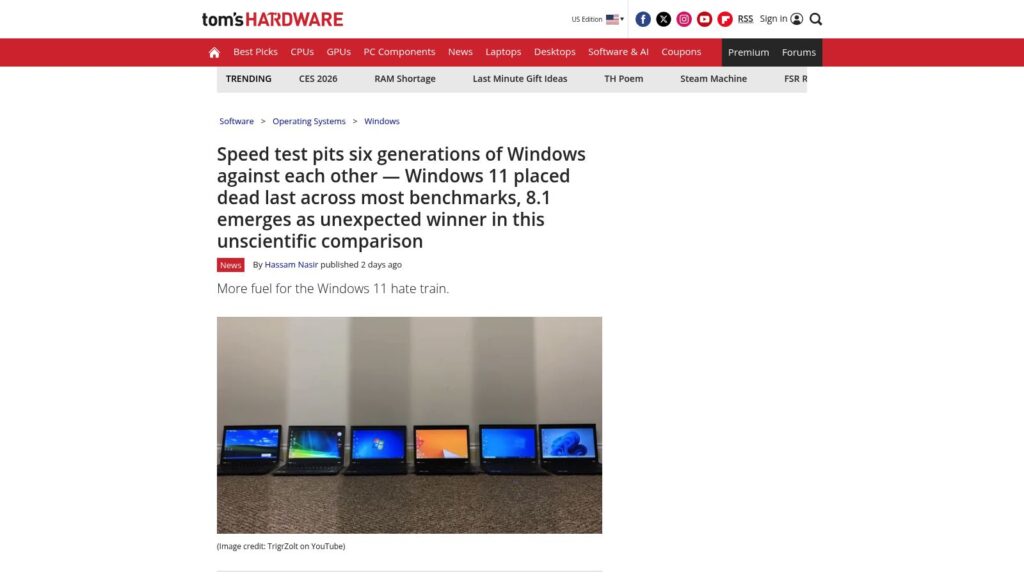
Speed Test Pits Six Generations of Windows Against Each Other — Windows 11 Placed Dead Last Across Most Benchmarks, 8.1 Emerges as Unexpected Winner in This Unscientific Comparison

Windows 11 ranked lowest in a recent speed test comparing six Windows generations, with Windows 8.1 unexpectedly performing best. Factors for Windows 11's poor performance include higher system demands and UI issues.

https://www.tomshardware.com/software/windows/speed-test-pits-six-generations-of-windows-against-each-other-windows-11-placed-dead-last-across-most-benchmarks-8-1-emerges-as-unexpected-winner-in-this-unscientific-comparison

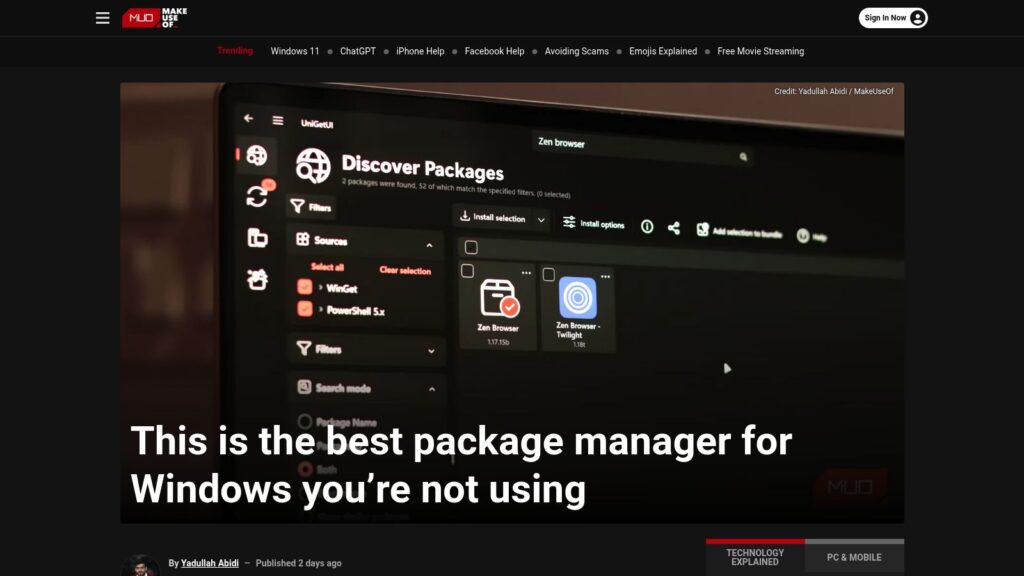
This Is the Best Package Manager for Windows You’re Not Using

UniGetUI is a new, user-friendly package manager for Windows that combines several existing package managers (like Winget and Chocolatey) into a single interface. It simplifies app installations, updates, and management, allowing users to search and install software across multiple sources without command-line usage. Key features include bulk installations, background update checks, and the ability to create and share app bundles. UniGetUI is free, open-source, and aims to streamline the often frustrating app management experience on Windows.

https://www.makeuseof.com/best-package-manager-for-windows/

10 Hacks Every Windows Power User Should Know

TLDR: Ten Windows hacks enhance productivity: 1) Use Command Palette for efficient control; 2) Replace File Explorer with the better Files app; 3) Customize the taskbar/start menu with ExplorerPatcher or Start11; 4) Transform UI with Seelen; 5) Improve dark mode using PowerToys; 6) Utilize Snap layouts for window organization; 7) Streamline app management with Winget or UniGetUI; 8) Access clipboard history with Windows + V; 9) Focus using the Clock app’s Focus Sessions; 10) Create custom keyboard shortcuts via PowerToys.

https://lifehacker.com/tech/best-hacks-for-windows-power-users

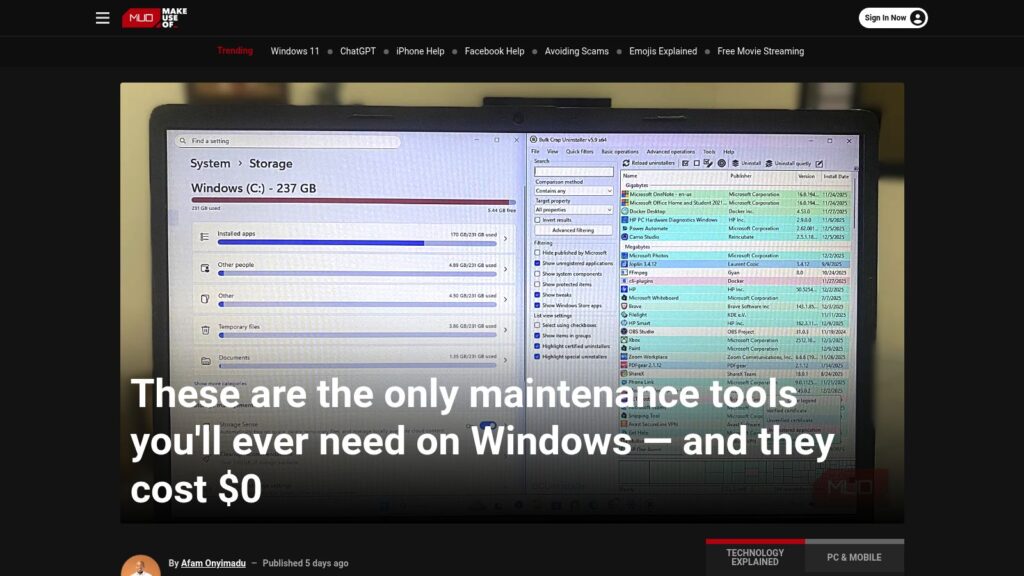
These Are the Only Maintenance Tools You’ll Ever Need on Windows — and They Cost $0

Free Windows maintenance tools eliminate clutter, enhance performance, and ensure system health without cost. Key utilities include:

  1. BCUninstaller – Deep deletions of apps.
  2. BleachBit – Cleans system files, enhancing speed.
  3. WizTree – Quickly analyzes disk usage.
  4. CrystalDiskInfo – Monitors drive health.
  5. Snappy Driver Installer Origin – Updates drivers offline.
  6. Duplicati – Sets up encrypted backups.
  7. Sysinternals Suite – Advanced diagnostics for system issues.

These tools provide essential functionalities, saving costs and offering efficient computer maintenance.

https://www.makeuseof.com/only-maintenance-tools-youll-ever-need-on-windows-they-cost-0/

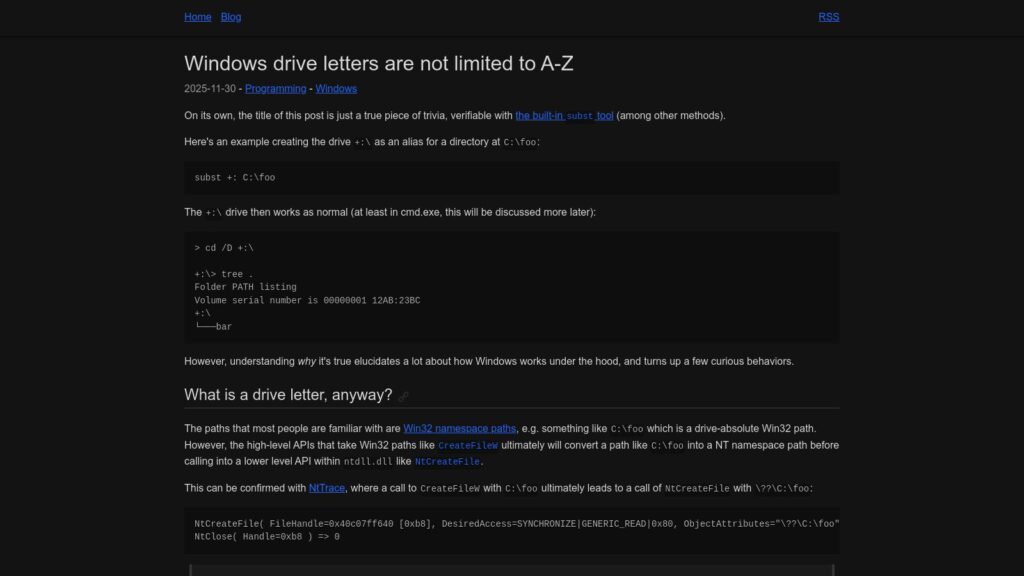
Windows Drive Letters Are Not Limited to A-Z

Windows drive letters aren't restricted to A-Z; the subst command allows creation of aliases like +:. Drive letters function as symbolic links within the NT namespace, with paths converted by certain APIs. While alternatives exist for drive letters, applications like File Explorer and PowerShell only recognize A-Z letters, limiting usability. Non-ASCII drive letters are technically possible, yet may yield inconsistent behavior across different applications and APIs, leading to potential encoding issues.

https://www.ryanliptak.com/blog/windows-drive-letters-are-not-limited-to-a-z/

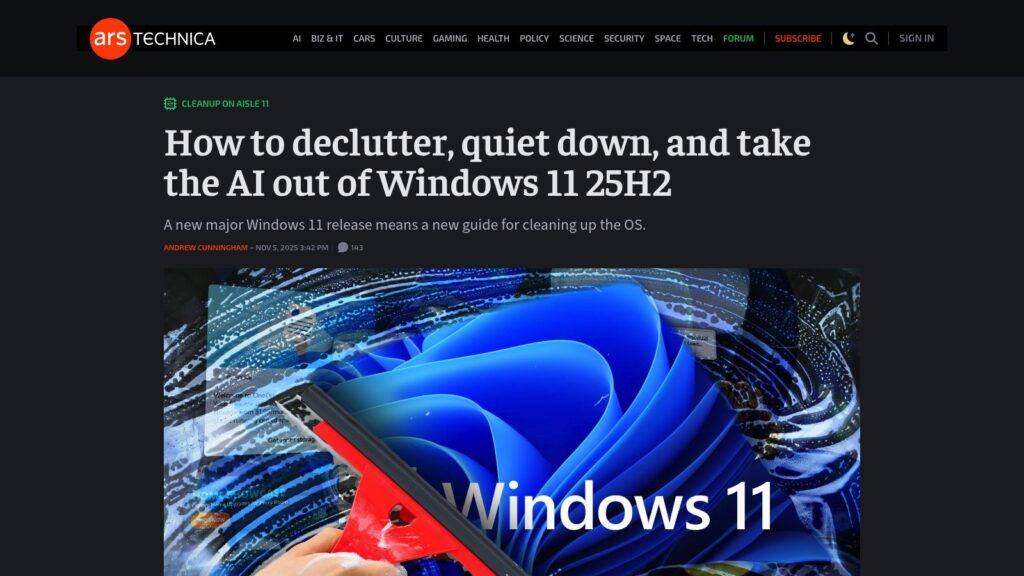
How to Declutter, Quiet Down, and Take the AI Out of Windows 11 25H2

TLDR: Detailed guide for decluttering and optimizing Windows 11 25H2 setup, emphasizing avoiding Microsoft account sign-in, disabling telemetry, and cleaning up pre-installed apps and Edge settings. Focus on user-friendly approaches for a minimalist experience while retaining essential functionalities.

https://arstechnica.com/gadgets/2025/11/what-i-do-to-clean-up-a-clean-install-of-windows-11-23h2-and-edge/

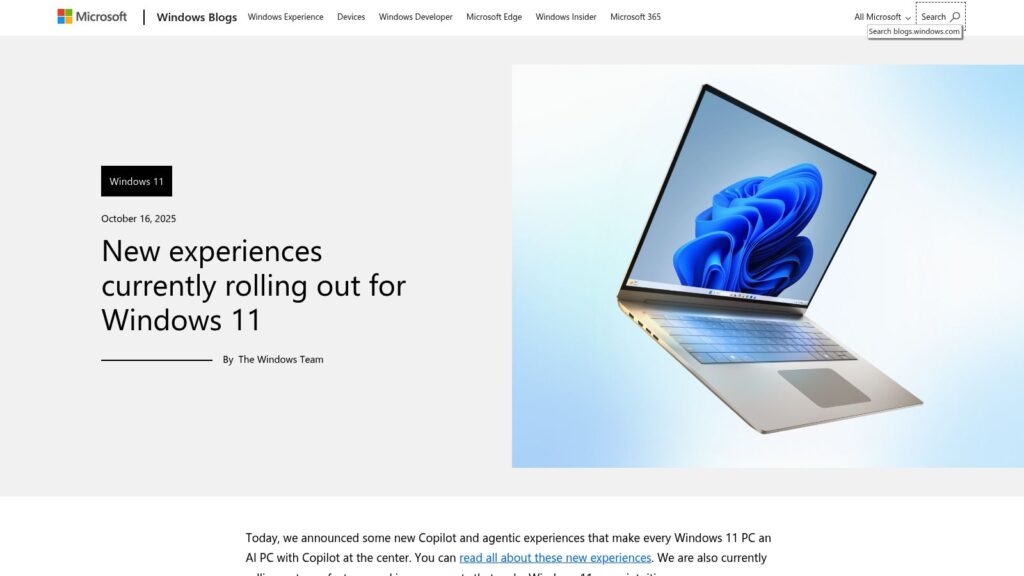
New Experiences Currently Rolling Out for Windows 11

New Windows 11 updates include AI-powered features in File Explorer, integrating Microsoft 365 for enhanced productivity, and accessibility improvements. Users can now perform AI actions like image editing directly in File Explorer, utilize personalized dashboards in Widgets, and experience a refined Narrator with Braille support. Gaming features include a new Gaming Copilot integrated into Game Bar, offering gameplay assistance. Security enhancements focus on phishing protection, improved password management in Microsoft Edge, and native support for Wi-Fi 7. New developer tools like the advanced settings page and Windows ML aim to facilitate AI deployment. Other UI improvements enhance user experience across various functions and settings.

https://blogs.windows.com/windowsexperience/2025/10/16/new-experiences-currently-rolling-out-for-windows-11/

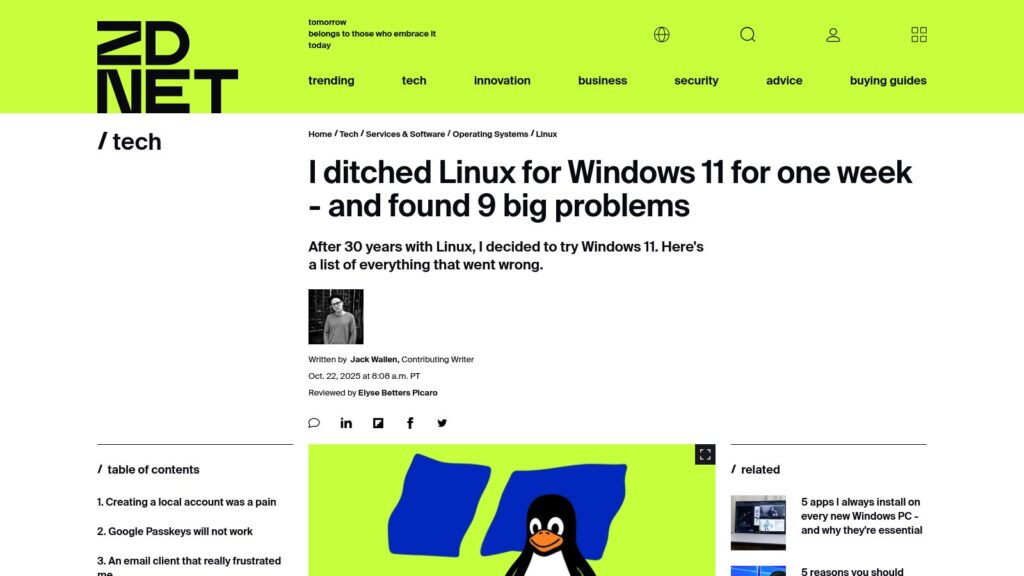
I Ditched Linux for Windows 11 for One Week

User's experience switching from Linux to Windows 11 revealed numerous issues: difficulty creating a local account, incompatibility with Google Passkeys, frustrations with an email client, persistent natural scrolling settings, intrusive ads, and excessive resource usage. Ultimately, the week-long trial underscored a preference for Linux's control and efficiency.

https://www.zdnet.com/article/i-ditched-linux-for-windows-11-for-one-week-and-found-9-big-problems/

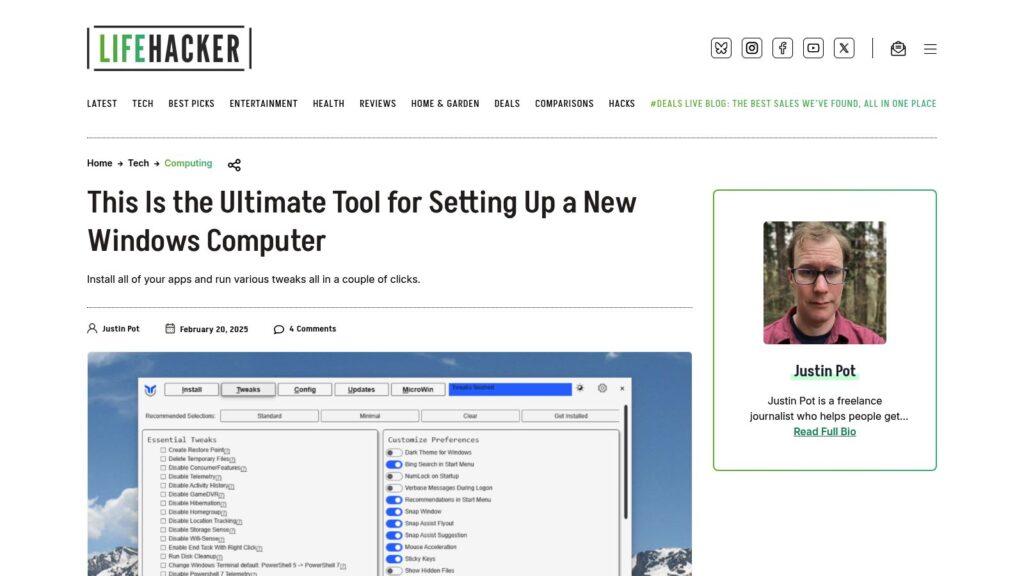
This Is the Ultimate Tool for Setting Up a New Windows Computer

WinUtil simplifies setting up new Windows computers by installing apps and making tweaks with minimal effort. Users can install apps by checking boxes and run various tweaks to customize settings. It offers options for managing updates and installing additional features. The tool is available for free via Windows PowerShell or can be purchased as an EXE file. It also allows exporting configurations for use on other machines.

https://lifehacker.com/tech/this-is-the-ultimate-tool-for-setting-up-a-new-windows-computer

Windows 11 Is Closing a Loophole That Let You Skip Making a Microsoft Account

Microsoft is eliminating a bypass for creating a Microsoft account during Windows 11 installation, requiring users to connect online. This change boosts security but limits setup options for users and IT departments. The previous bypass method will soon be non-functional in newer builds, though alternative methods exist.

https://www.theverge.com/news/638967/microsoft-windows-11-account-internet-bypass-blocked

GitHub – ChrisTitusTech/winutil: Chris Titus Tech’s Windows Utility – Install Programs, Tweaks, Fixes, and Updates

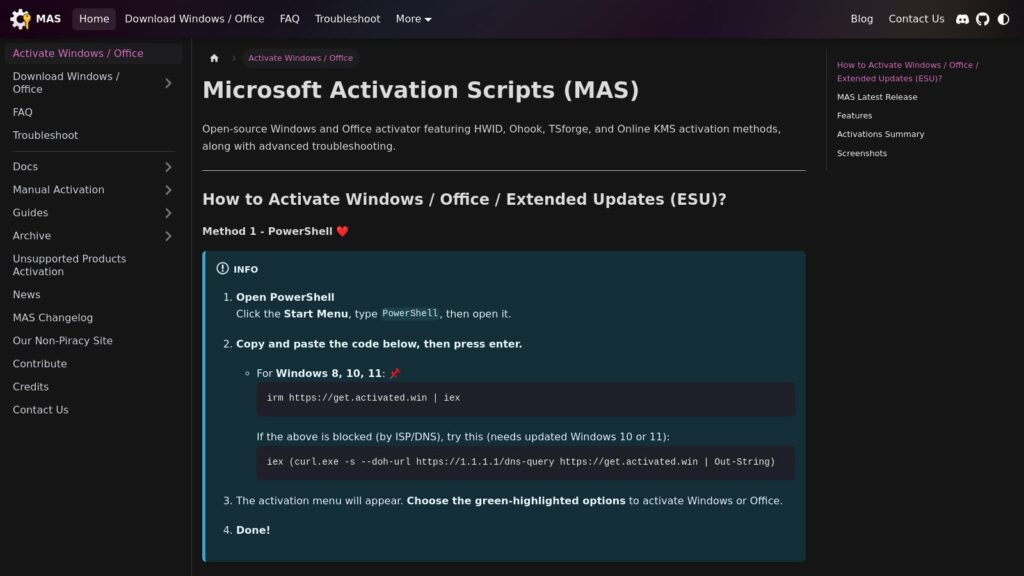
Winutil by Chris Titus Tech is a Windows utility for installing programs, making tweaks, and fixing updates. It requires administrator access and can be launched via PowerShell. The utility simplifies Windows tasks, debloats, and troubleshoots configurations. For usage, stable and development branch commands are provided. Support includes documentation and a YouTube tutorial.

https://github.com/ChrisTitusTech/winutil

Scroll to Top