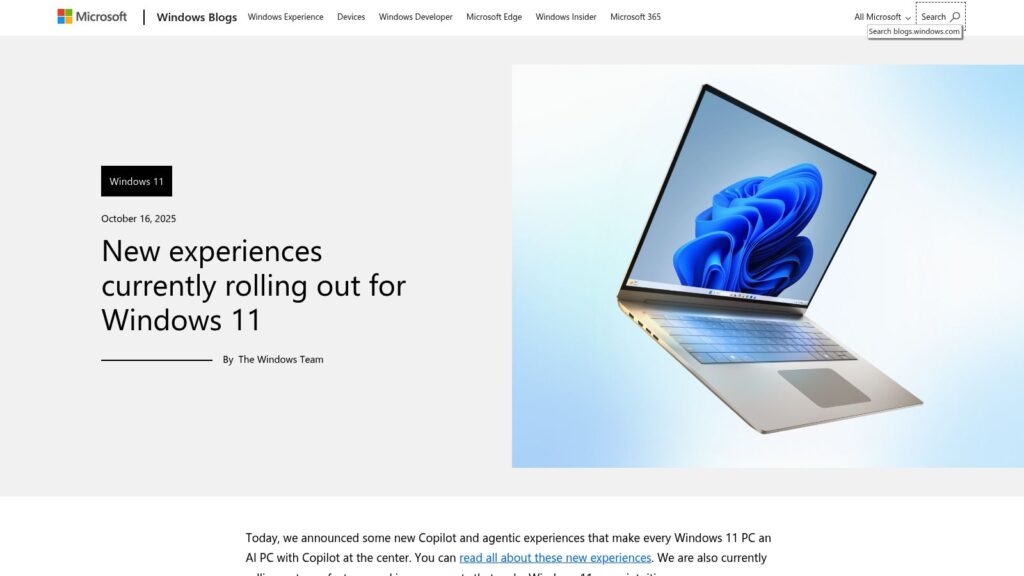
New Experiences Currently Rolling Out for Windows 11

New Windows 11 updates include AI-powered features in File Explorer, integrating Microsoft 365 for enhanced productivity, and accessibility improvements. Users can now perform AI actions like image editing directly in File Explorer, utilize personalized dashboards in Widgets, and experience a refined Narrator with Braille support. Gaming features include a new Gaming Copilot integrated into Game Bar, offering gameplay assistance. Security enhancements focus on phishing protection, improved password management in Microsoft Edge, and native support for Wi-Fi 7. New developer tools like the advanced settings page and Windows ML aim to facilitate AI deployment. Other UI improvements enhance user experience across various functions and settings.
https://blogs.windows.com/windowsexperience/2025/10/16/new-experiences-currently-rolling-out-for-windows-11/

I Ditched Linux for Windows 11 for One Week

User’s experience switching from Linux to Windows 11 revealed numerous issues: difficulty creating a local account, incompatibility with Google Passkeys, frustrations with an email client, persistent natural scrolling settings, intrusive ads, and excessive resource usage. Ultimately, the week-long trial underscored a preference for Linux’s control and efficiency.

https://www.zdnet.com/article/i-ditched-linux-for-windows-11-for-one-week-and-found-9-big-problems/

This Is the Ultimate Tool for Setting Up a New Windows Computer

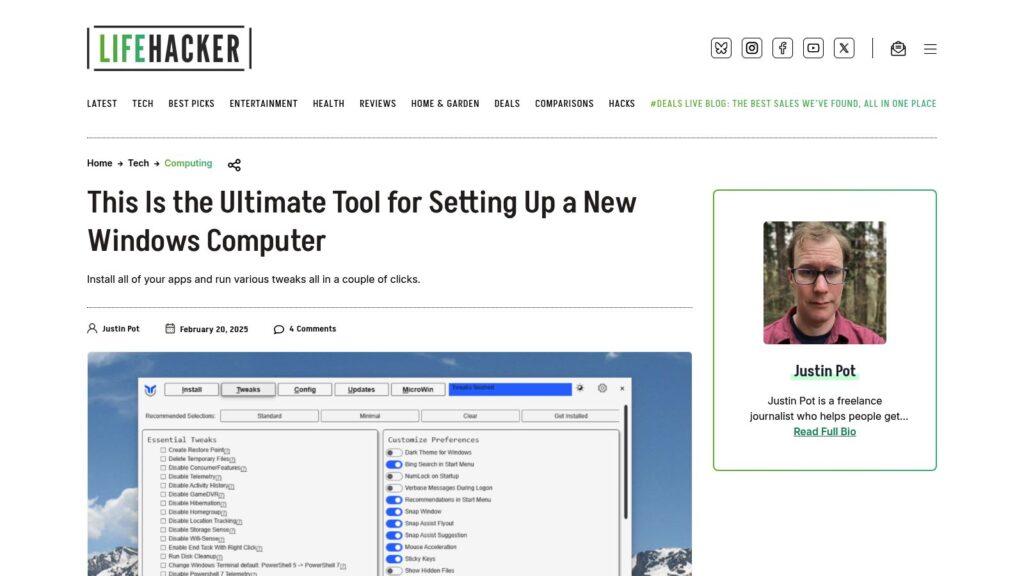
WinUtil simplifies setting up new Windows computers by installing apps and making tweaks with minimal effort. Users can install apps by checking boxes and run various tweaks to customize settings. It offers options for managing updates and installing additional features. The tool is available for free via Windows PowerShell or can be purchased as an EXE file. It also allows exporting configurations for use on other machines.

https://lifehacker.com/tech/this-is-the-ultimate-tool-for-setting-up-a-new-windows-computer

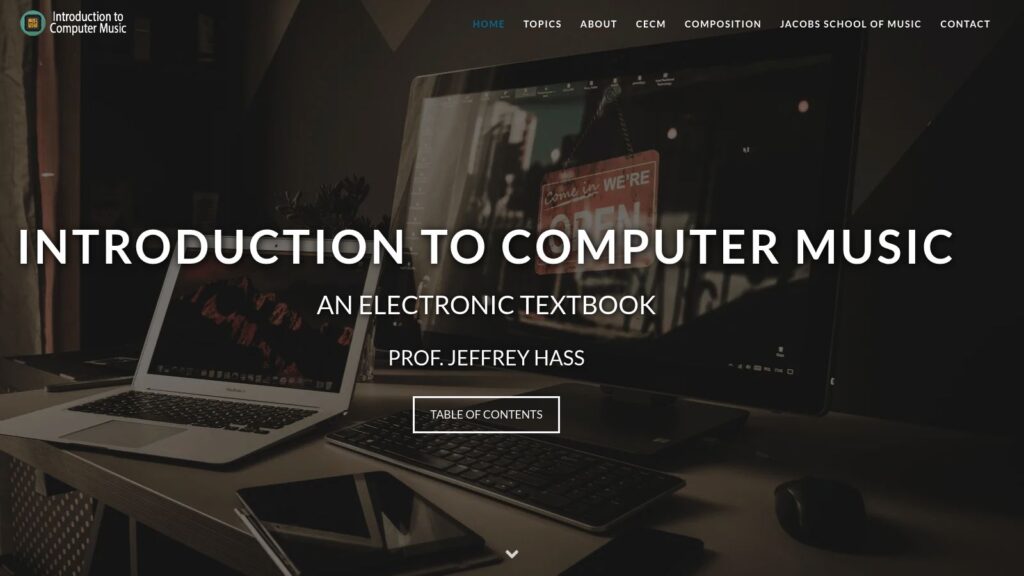
Introduction to Computer Music

Introduction to Computer Music is an electronic textbook by Prof. Jeffrey Hass designed for first-year studies, covering topics like acoustics, studio gear, MIDI, synthesis, digital audio, and music history. Initially launched in 2004, it has evolved over nearly twenty years, providing comprehensive resources for composers and audio engineers, available for free. Prof. Hass, a retired educator and composer from Indiana University.

https://cmtext.com/

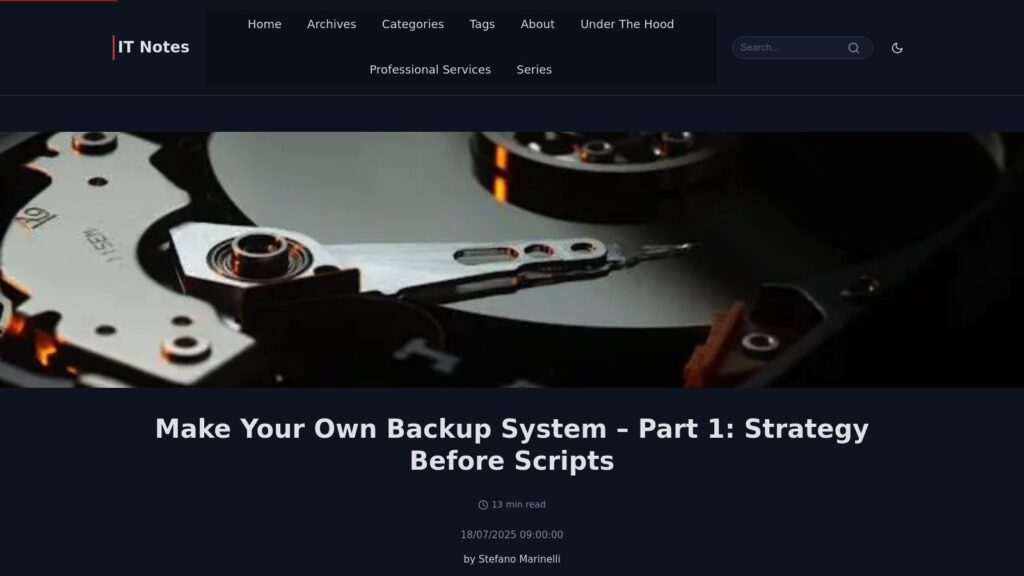
Make Your Own Backup System

Backup systems often underestimated; proper strategy necessary. Risks from data loss demand questioning storage, downtime, and methods. Key decisions: full disk vs. individual file backups—each has pros/cons. Consistency through snapshots is crucial; backup architecture (push vs. pull) matters. Good backups should allow quick recovery, external storage, security, and minimal intrusion. Next steps include discussing server configurations and software for effective backups.

https://it-notes.dragas.net/2025/07/18/make-your-own-backup-system-part-1-strategy-before-scripts/

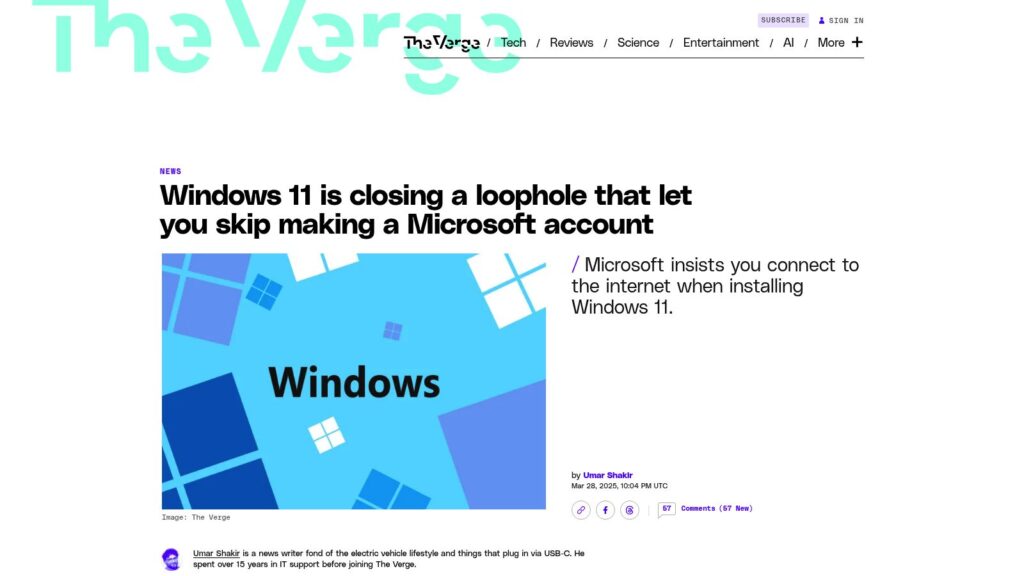
Windows 11 Is Closing a Loophole That Let You Skip Making a Microsoft Account

Microsoft is eliminating a bypass for creating a Microsoft account during Windows 11 installation, requiring users to connect online. This change boosts security but limits setup options for users and IT departments. The previous bypass method will soon be non-functional in newer builds, though alternative methods exist.

https://www.theverge.com/news/638967/microsoft-windows-11-account-internet-bypass-blocked

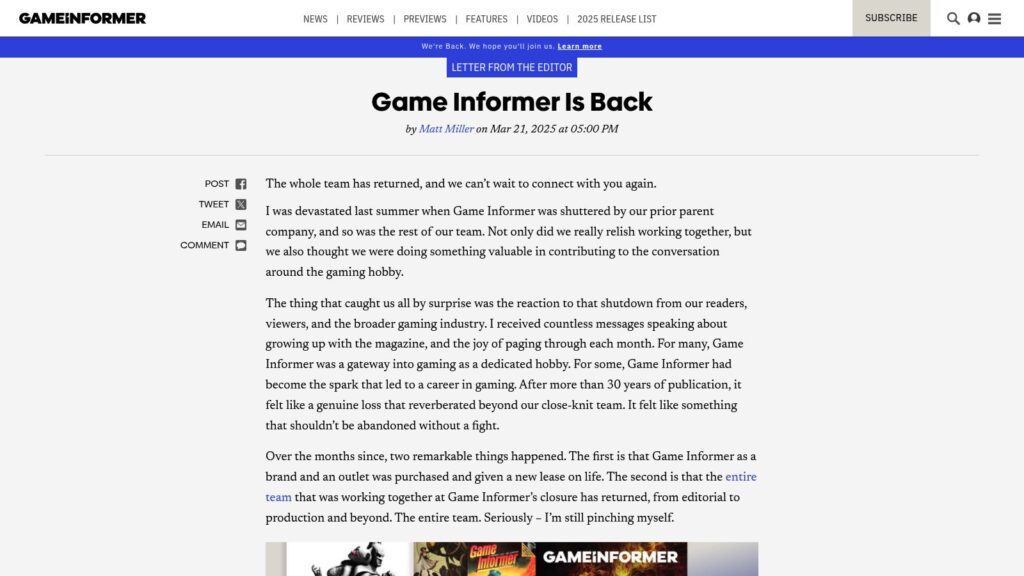
Game Informer Is Back

Game Informer has been relaunched with the original team after being shuttered last summer. The new owner, Gunzilla Games, emphasizes editorial independence. The outlet aims to celebrate gaming history and community while providing news, reviews, and features. The site is live with updates, and plans for a revamped print magazine and membership benefits are forthcoming. The editor-in-chief expresses gratitude for community support and encourages engagement from readers.

https://www.gameinformer.com/letter-from-the-editor/2025/03/25/game-informer-is-back

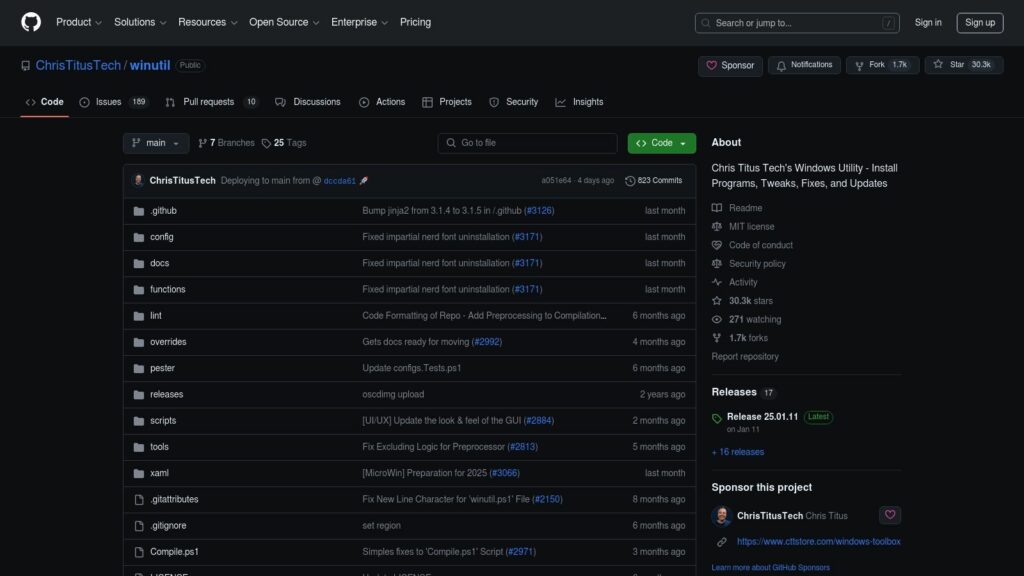
GitHub – ChrisTitusTech/winutil: Chris Titus Tech’s Windows Utility – Install Programs, Tweaks, Fixes, and Updates

Winutil by Chris Titus Tech is a Windows utility for installing programs, making tweaks, and fixing updates. It requires administrator access and can be launched via PowerShell. The utility simplifies Windows tasks, debloats, and troubleshoots configurations. For usage, stable and development branch commands are provided. Support includes documentation and a YouTube tutorial.

https://github.com/ChrisTitusTech/winutil

Scroll to Top