Computer

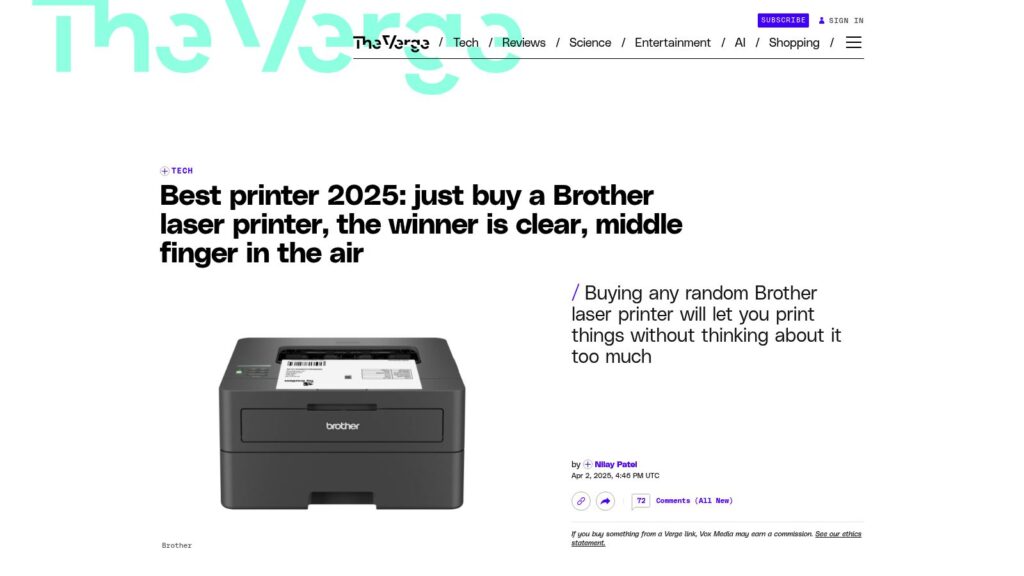
Best Printer 2025: Just Buy a Brother Laser Printer, the Winner Is Clear, Middle Finger in the Air

Brother laser printers are recommended as the best choice in 2025 due to their reliability and low long-term costs, avoiding the troubles of inkjet printers. They use toner, which doesn’t dry out and lasts longer per cartridge, making them easier to use without complicated subscriptions or firmware issues. For basic black-and-white printing tasks, Brother monochrome laser printers are practical, straightforward, and efficient.

https://www.theverge.com/tech/641940/best-printer-2025-just-buy-a-brother-laser-printer-middle-finger-in-the-air

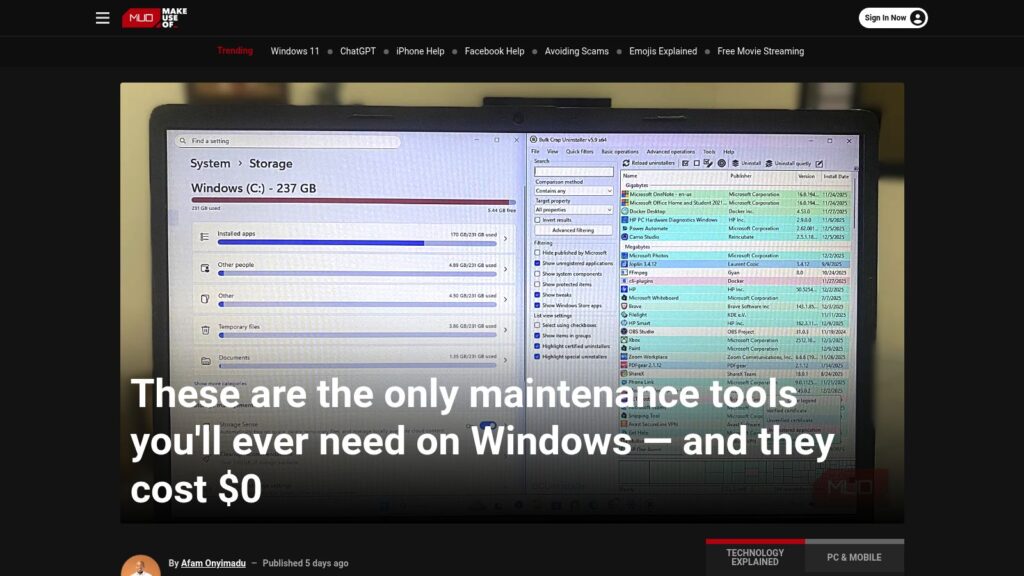
These Are the Only Maintenance Tools You’ll Ever Need on Windows — and They Cost $0

Free Windows maintenance tools eliminate clutter, enhance performance, and ensure system health without cost. Key utilities include:

  1. BCUninstaller – Deep deletions of apps.
  2. BleachBit – Cleans system files, enhancing speed.
  3. WizTree – Quickly analyzes disk usage.
  4. CrystalDiskInfo – Monitors drive health.
  5. Snappy Driver Installer Origin – Updates drivers offline.
  6. Duplicati – Sets up encrypted backups.
  7. Sysinternals Suite – Advanced diagnostics for system issues.

These tools provide essential functionalities, saving costs and offering efficient computer maintenance.

https://www.makeuseof.com/only-maintenance-tools-youll-ever-need-on-windows-they-cost-0/

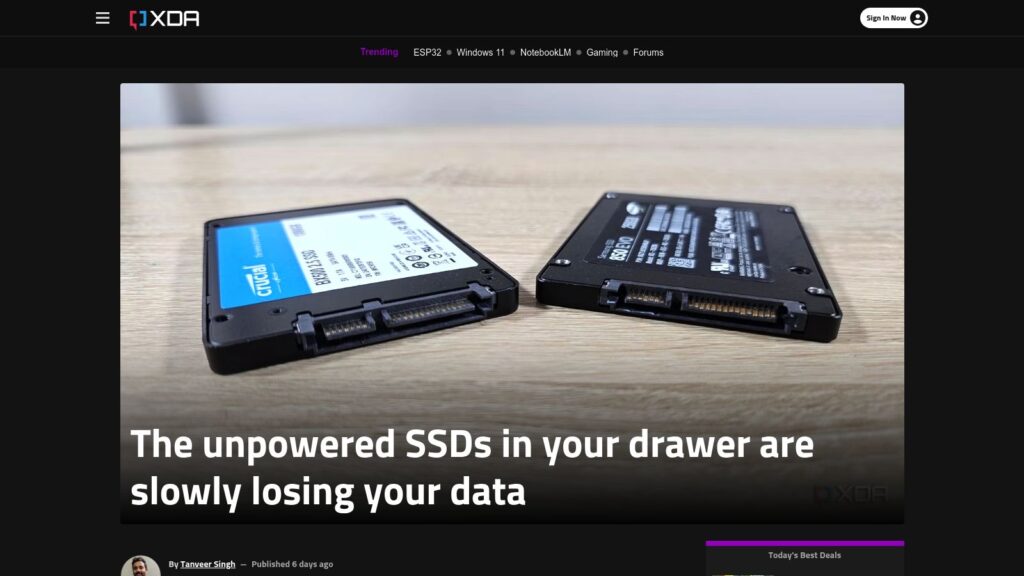
Century-Scale Storage

Century-Scale Storage Overview

Topic: Storing digital data for 100 years.

Key Points:
Historical Context: IBM's RAMAC, developed in the 1950s, was the first hard drive with instant data retrieval but became obsolete in six years.
Current Digital Storage Concerns: Most digital records, artifacts, and art are stored electronically, facing short-term design issues. There’s a demand for long-term preservation strategies.
Storage Methods Discussed:
Hard Drives: Mechanical parts risk failure; long-term solutions need meticulous maintenance and regular upgrades to ensure data remains accessible.
Solid State Drives (SSDs): Fast and no moving parts but have a limited lifespan and degrade over time without power.
Cloud Storage: Convenient and accessible but relies on external companies and infrastructure that may not last a century.
Recommendations: Store data in multiple formats across various locations, emphasizing redundancy. Use non-proprietary formats for longevity.
Challenges: Maintaining the necessary technology and access methods for digital data preservation over time poses significant obstacles, requiring institutional commitment and resources.

Conclusion: Effective century-scale storage requires addressing mechanical reliability, technological advancements, and a cultural commitment to long-term preservation.

https://lil.law.harvard.edu/century-scale-storage/

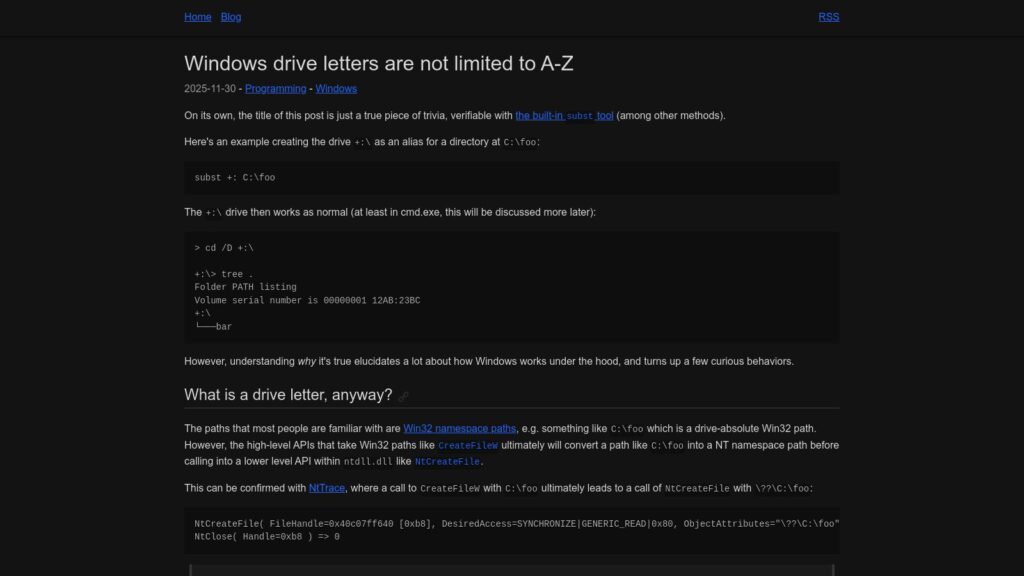
Windows Drive Letters Are Not Limited to A-Z

Windows drive letters aren't restricted to A-Z; the subst command allows creation of aliases like +:. Drive letters function as symbolic links within the NT namespace, with paths converted by certain APIs. While alternatives exist for drive letters, applications like File Explorer and PowerShell only recognize A-Z letters, limiting usability. Non-ASCII drive letters are technically possible, yet may yield inconsistent behavior across different applications and APIs, leading to potential encoding issues.

https://www.ryanliptak.com/blog/windows-drive-letters-are-not-limited-to-a-z/

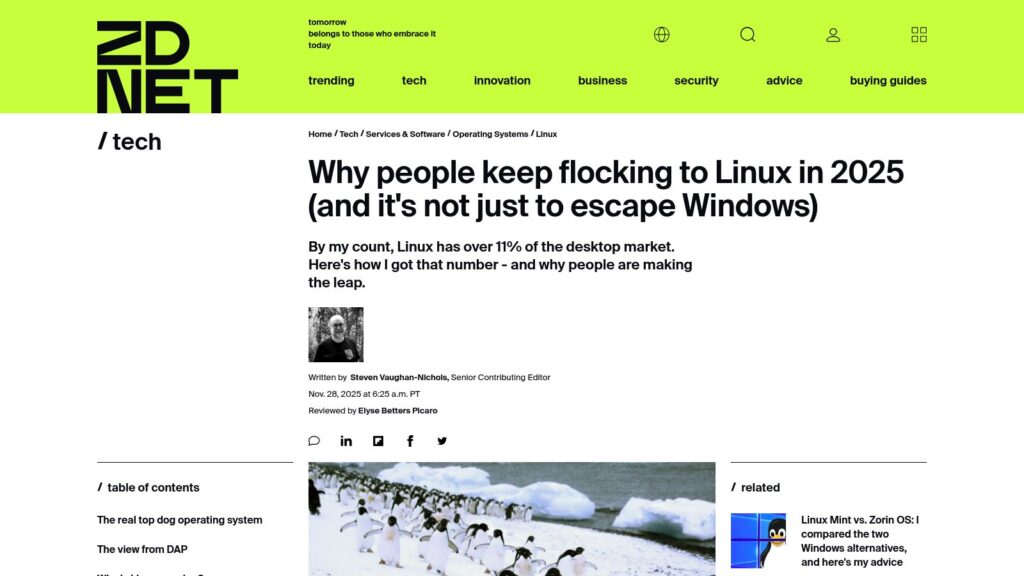
Why People Keep Flocking to Linux in 2025 (and It’s Not Just to Escape Windows)

Linux desktop market share grew from 1.5% (2020) to above 5% (2025), driven by distrust in Windows, especially after users' dissatisfaction with Microsoft’s support approaches. Many Windows users, facing hardware restrictions and privacy concerns, are switching to Linux, with Zorin OS reporting 78% of its recent downloads from Windows users. Overall, when including Android and ChromeOS, Linux could claim a dominant position in end-user operating systems, surpassing Windows. Drivers for this trend include simplified usability, improved gaming support, and privacy concerns.

https://www.zdnet.com/article/why-people-keep-flocking-to-linux-in-2025-and-its-not-just-to-escape-windows/

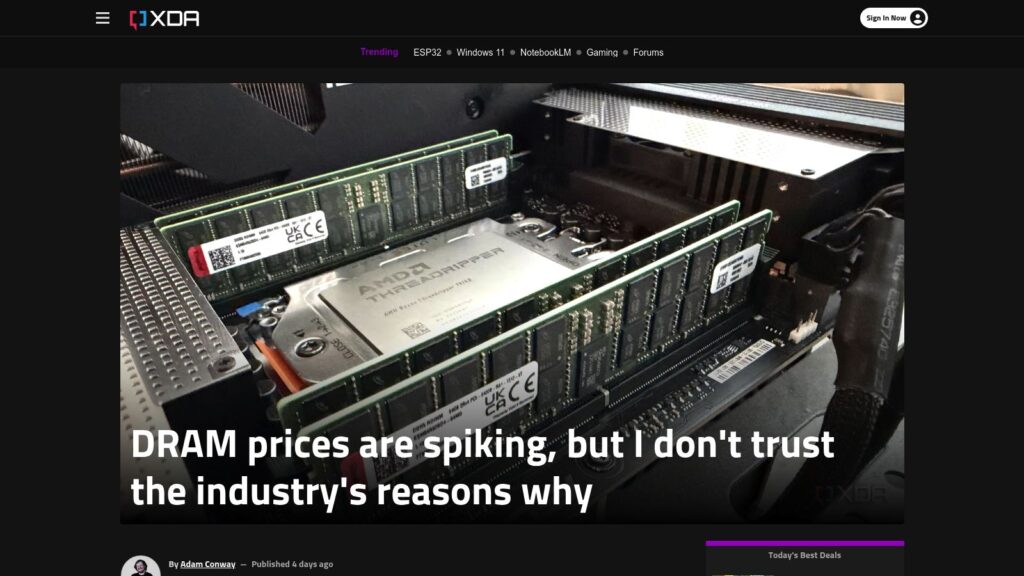
DRAM Prices Are Spiking, but I Don’t Trust the Industry’s Reasons Why

DRAM prices surged globally in 2025, more than doubling due to demand from AI data centers, with contract prices rising 171.8% year-over-year. Retail prices saw dramatic increases, and shortages persist, with major manufacturers slow to ramp up production, citing previous market volatility. Skepticism surrounds the industry's claims of supply-demand imbalance, given their history of price-fixing and profit-focused strategies. The situation is complex, combining genuine demand with potential artificial inflation of prices. The outlook suggests high prices could continue into 2026 or longer, unless the AI demand declines or production capacity increases.

https://www.xda-developers.com/dram-prices-spiking-dont-trust-industry-reasons/

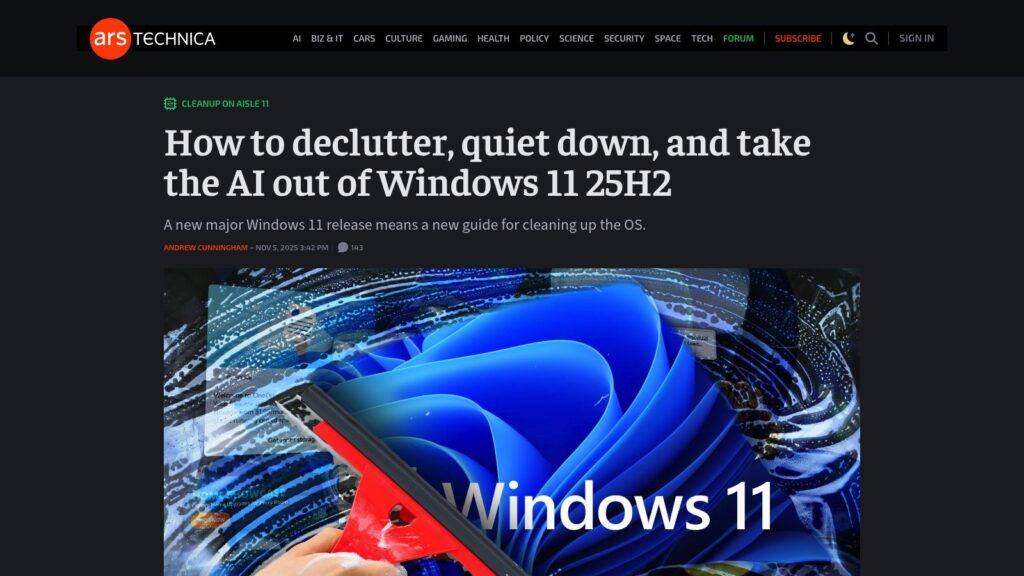
How to Declutter, Quiet Down, and Take the AI Out of Windows 11 25H2

TLDR: Detailed guide for decluttering and optimizing Windows 11 25H2 setup, emphasizing avoiding Microsoft account sign-in, disabling telemetry, and cleaning up pre-installed apps and Edge settings. Focus on user-friendly approaches for a minimalist experience while retaining essential functionalities.

https://arstechnica.com/gadgets/2025/11/what-i-do-to-clean-up-a-clean-install-of-windows-11-23h2-and-edge/

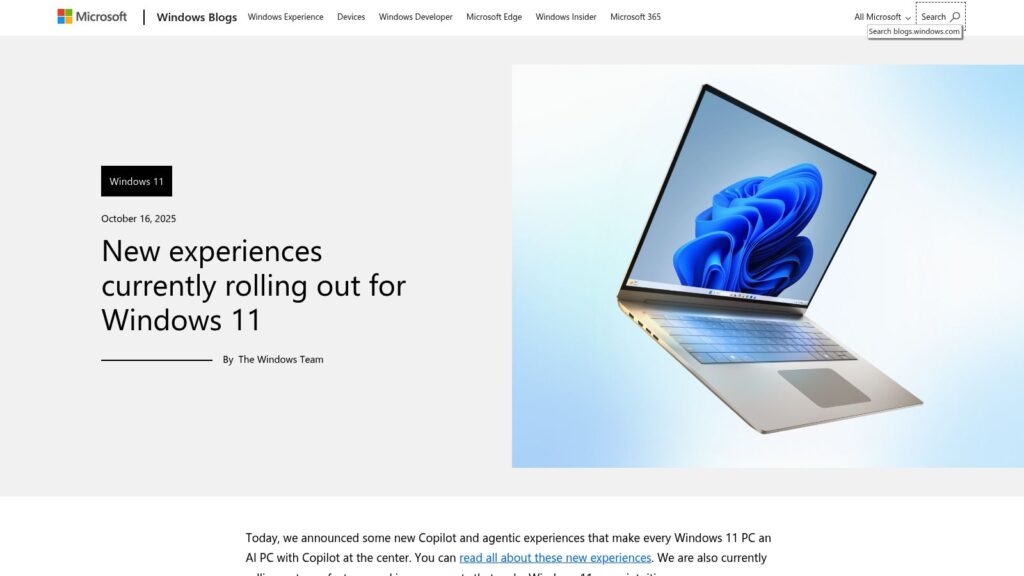
New Experiences Currently Rolling Out for Windows 11

New Windows 11 updates include AI-powered features in File Explorer, integrating Microsoft 365 for enhanced productivity, and accessibility improvements. Users can now perform AI actions like image editing directly in File Explorer, utilize personalized dashboards in Widgets, and experience a refined Narrator with Braille support. Gaming features include a new Gaming Copilot integrated into Game Bar, offering gameplay assistance. Security enhancements focus on phishing protection, improved password management in Microsoft Edge, and native support for Wi-Fi 7. New developer tools like the advanced settings page and Windows ML aim to facilitate AI deployment. Other UI improvements enhance user experience across various functions and settings.

https://blogs.windows.com/windowsexperience/2025/10/16/new-experiences-currently-rolling-out-for-windows-11/

I Ditched Linux for Windows 11 for One Week

User's experience switching from Linux to Windows 11 revealed numerous issues: difficulty creating a local account, incompatibility with Google Passkeys, frustrations with an email client, persistent natural scrolling settings, intrusive ads, and excessive resource usage. Ultimately, the week-long trial underscored a preference for Linux's control and efficiency.

https://www.zdnet.com/article/i-ditched-linux-for-windows-11-for-one-week-and-found-9-big-problems/

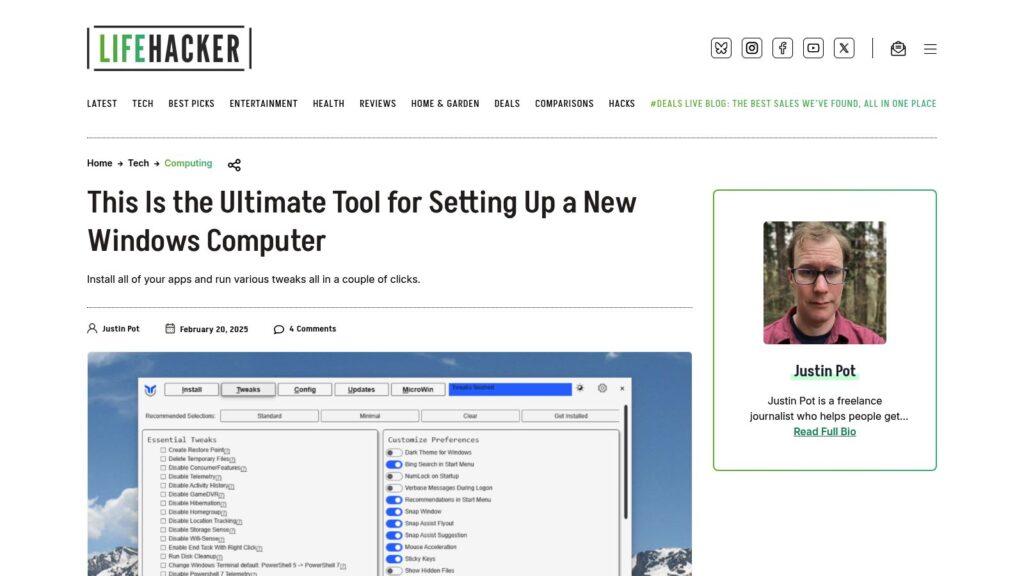
This Is the Ultimate Tool for Setting Up a New Windows Computer

WinUtil simplifies setting up new Windows computers by installing apps and making tweaks with minimal effort. Users can install apps by checking boxes and run various tweaks to customize settings. It offers options for managing updates and installing additional features. The tool is available for free via Windows PowerShell or can be purchased as an EXE file. It also allows exporting configurations for use on other machines.

https://lifehacker.com/tech/this-is-the-ultimate-tool-for-setting-up-a-new-windows-computer

Introduction to Computer Music

Introduction to Computer Music is an electronic textbook by Prof. Jeffrey Hass designed for first-year studies, covering topics like acoustics, studio gear, MIDI, synthesis, digital audio, and music history. Initially launched in 2004, it has evolved over nearly twenty years, providing comprehensive resources for composers and audio engineers, available for free. Prof. Hass, a retired educator and composer from Indiana University.

https://cmtext.com/

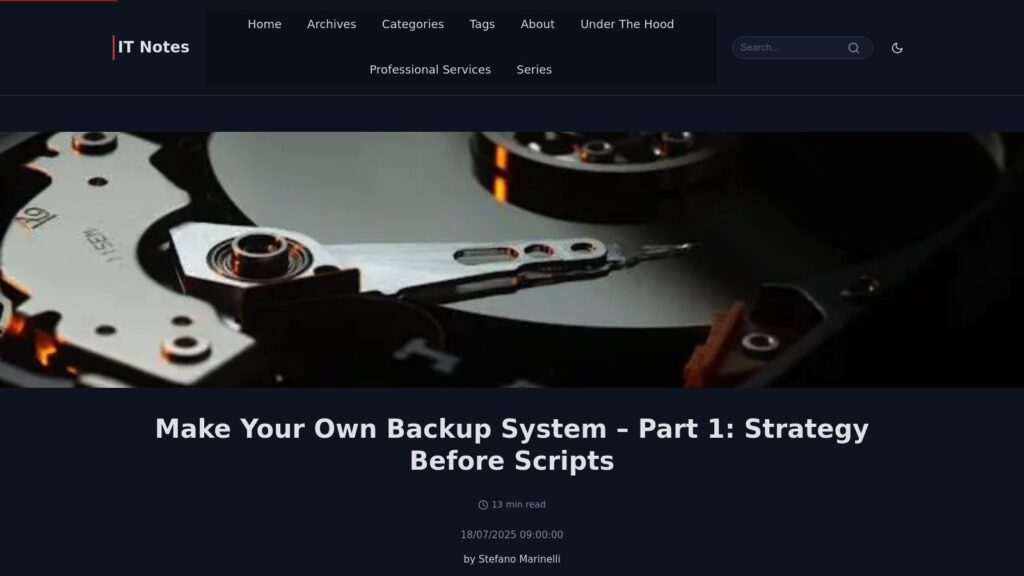
Make Your Own Backup System

Backup systems often underestimated; proper strategy necessary. Risks from data loss demand questioning storage, downtime, and methods. Key decisions: full disk vs. individual file backups—each has pros/cons. Consistency through snapshots is crucial; backup architecture (push vs. pull) matters. Good backups should allow quick recovery, external storage, security, and minimal intrusion. Next steps include discussing server configurations and software for effective backups.

https://it-notes.dragas.net/2025/07/18/make-your-own-backup-system-part-1-strategy-before-scripts/

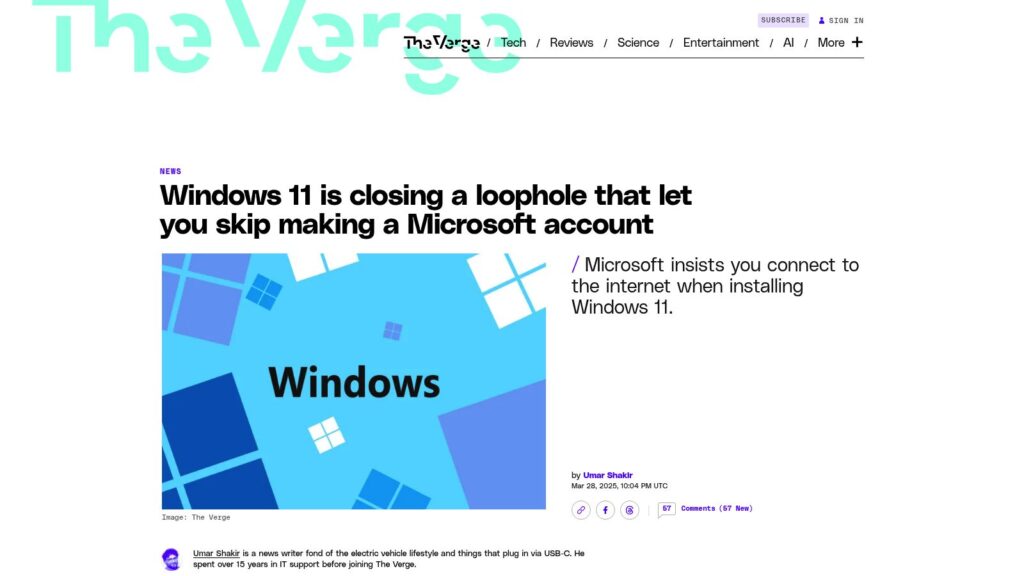
Windows 11 Is Closing a Loophole That Let You Skip Making a Microsoft Account

Microsoft is eliminating a bypass for creating a Microsoft account during Windows 11 installation, requiring users to connect online. This change boosts security but limits setup options for users and IT departments. The previous bypass method will soon be non-functional in newer builds, though alternative methods exist.

https://www.theverge.com/news/638967/microsoft-windows-11-account-internet-bypass-blocked

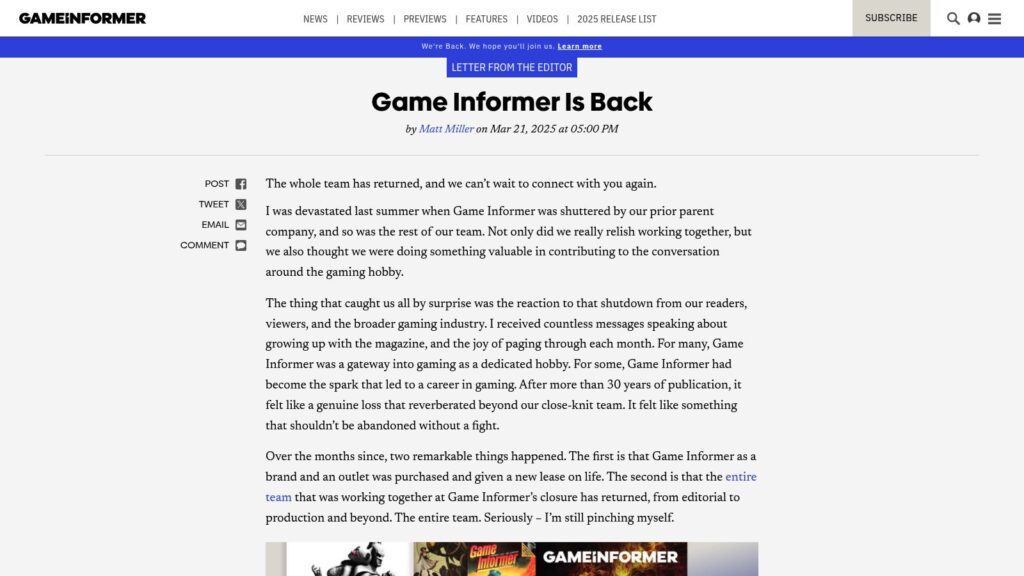
Game Informer Is Back

Game Informer has been relaunched with the original team after being shuttered last summer. The new owner, Gunzilla Games, emphasizes editorial independence. The outlet aims to celebrate gaming history and community while providing news, reviews, and features. The site is live with updates, and plans for a revamped print magazine and membership benefits are forthcoming. The editor-in-chief expresses gratitude for community support and encourages engagement from readers.

https://www.gameinformer.com/letter-from-the-editor/2025/03/25/game-informer-is-back

Scroll to Top