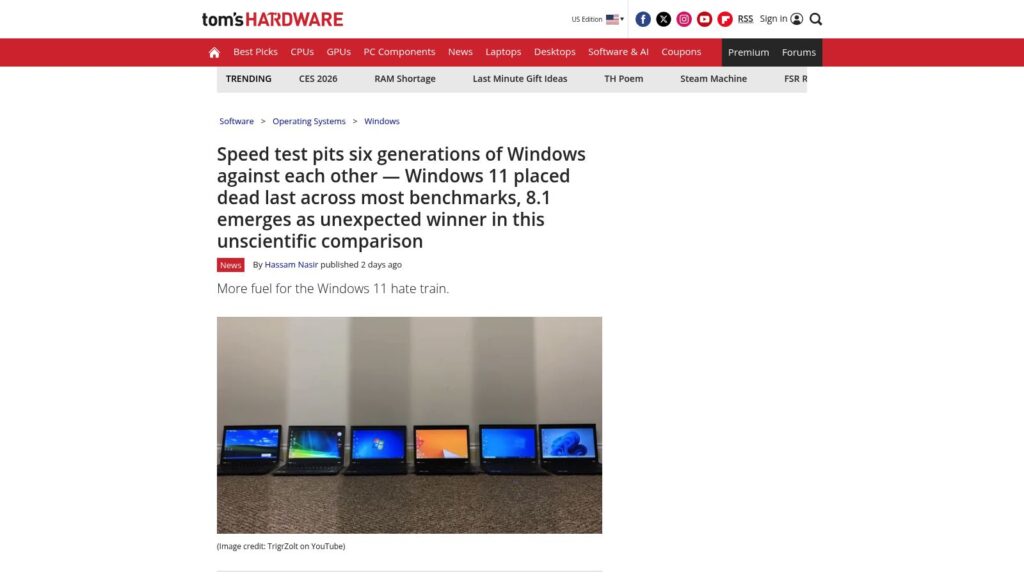
Speed Test Pits Six Generations of Windows Against Each Other — Windows 11 Placed Dead Last Across Most Benchmarks, 8.1 Emerges as Unexpected Winner in This Unscientific Comparison

Windows 11 ranked lowest in a recent speed test comparing six Windows generations, with Windows 8.1 unexpectedly performing best. Factors for Windows 11’s poor performance include higher system demands and UI issues.

https://www.tomshardware.com/software/windows/speed-test-pits-six-generations-of-windows-against-each-other-windows-11-placed-dead-last-across-most-benchmarks-8-1-emerges-as-unexpected-winner-in-this-unscientific-comparison

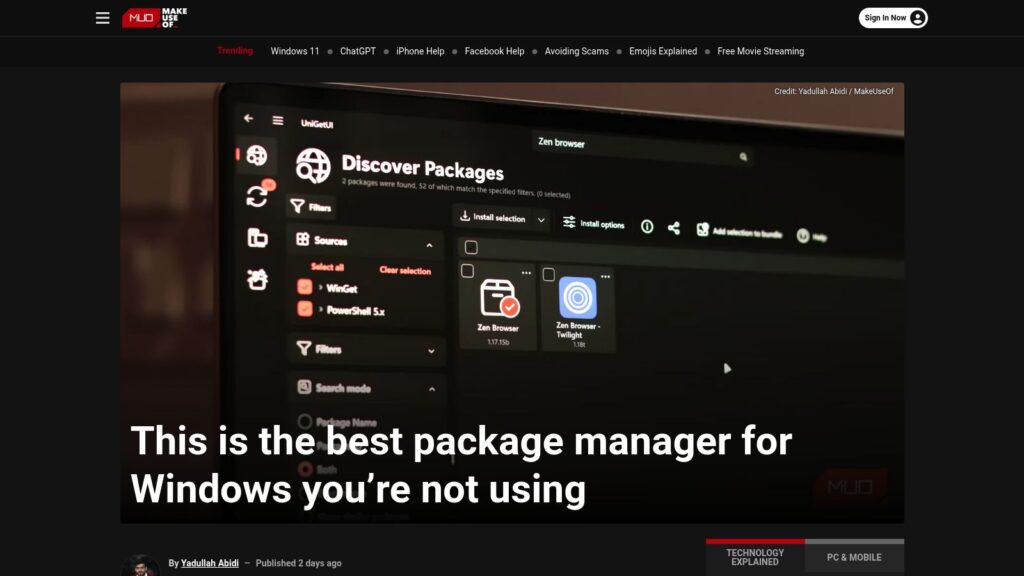
This Is the Best Package Manager for Windows You’re Not Using

UniGetUI is a new, user-friendly package manager for Windows that combines several existing package managers (like Winget and Chocolatey) into a single interface. It simplifies app installations, updates, and management, allowing users to search and install software across multiple sources without command-line usage. Key features include bulk installations, background update checks, and the ability to create and share app bundles. UniGetUI is free, open-source, and aims to streamline the often frustrating app management experience on Windows.

https://www.makeuseof.com/best-package-manager-for-windows/

10 Hacks Every Windows Power User Should Know

TLDR: Ten Windows hacks enhance productivity: 1) Use Command Palette for efficient control; 2) Replace File Explorer with the better Files app; 3) Customize the taskbar/start menu with ExplorerPatcher or Start11; 4) Transform UI with Seelen; 5) Improve dark mode using PowerToys; 6) Utilize Snap layouts for window organization; 7) Streamline app management with Winget or UniGetUI; 8) Access clipboard history with Windows + V; 9) Focus using the Clock app’s Focus Sessions; 10) Create custom keyboard shortcuts via PowerToys.

https://lifehacker.com/tech/best-hacks-for-windows-power-users

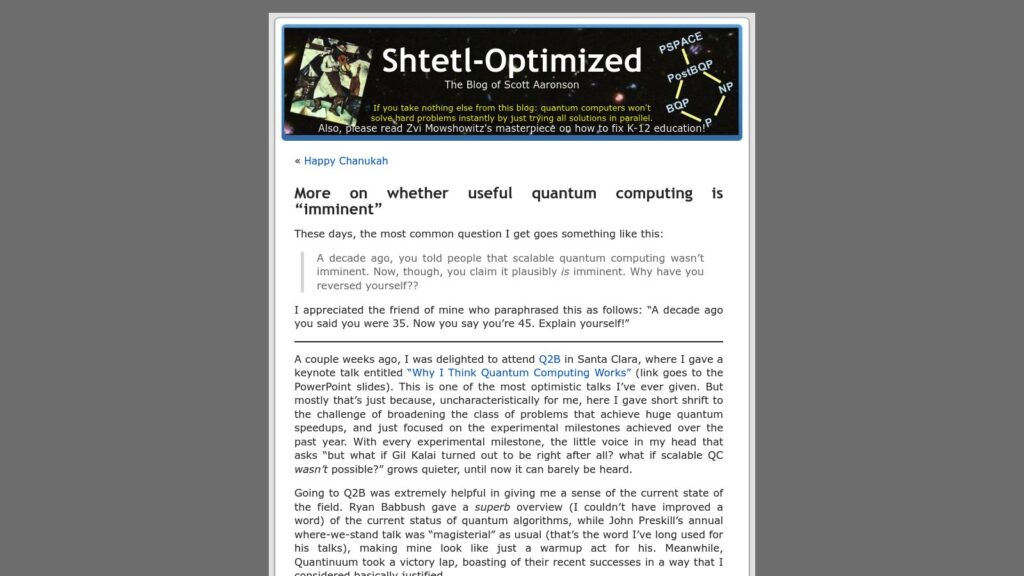
More on Whether Useful Quantum Computing Is “imminent”

Scott Aaronson’s blog discusses the evolving outlook on quantum computing, noting its potential imminence after years of skepticism. He attended the Q2B conference, where he observed significant advancements in quantum algorithms and hardware. Although he remains cautious about exaggerations in the field, particularly regarding claims made by certain companies like IonQ, he acknowledges impressive experimental milestones achieved by players like Google and Quantinuum. Aaronson emphasizes the importance of transitioning to post-quantum cryptography as the field progresses, while reiterating that current practical applications for quantum computing largely remain unchanged from historical predictions. He concludes with a warning about the potential for sensitive estimations regarding the capabilities of quantum systems to not be publicly shared due to security concerns.

https://scottaaronson.blog/?p=9425

Neutral Atom Quantum Computing: 2026’s Big Leap

Next-level quantum computers using neutral atoms as qubits aim for error correction by 2026, led by companies like Microsoft, Atom Computing, and QuEra. Industry views on progress differ, with challenges in speed and commercial viability. Neutral atoms allow for better error correction and scalability. Upcoming quantum machines are expected to have significant advancements but achieving truly transformative technology remains a long-term goal.

https://spectrum.ieee.org/neutral-atom-quantum-computing

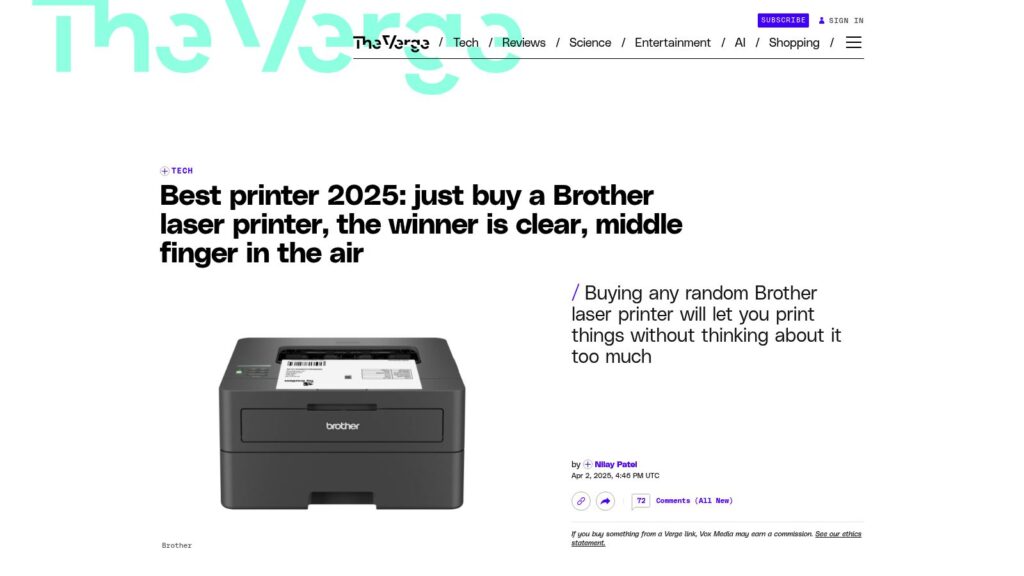
Best Printer 2025: Just Buy a Brother Laser Printer, the Winner Is Clear, Middle Finger in the Air

Brother laser printers are recommended as the best choice in 2025 due to their reliability and low long-term costs, avoiding the troubles of inkjet printers. They use toner, which doesn’t dry out and lasts longer per cartridge, making them easier to use without complicated subscriptions or firmware issues. For basic black-and-white printing tasks, Brother monochrome laser printers are practical, straightforward, and efficient.

https://www.theverge.com/tech/641940/best-printer-2025-just-buy-a-brother-laser-printer-middle-finger-in-the-air

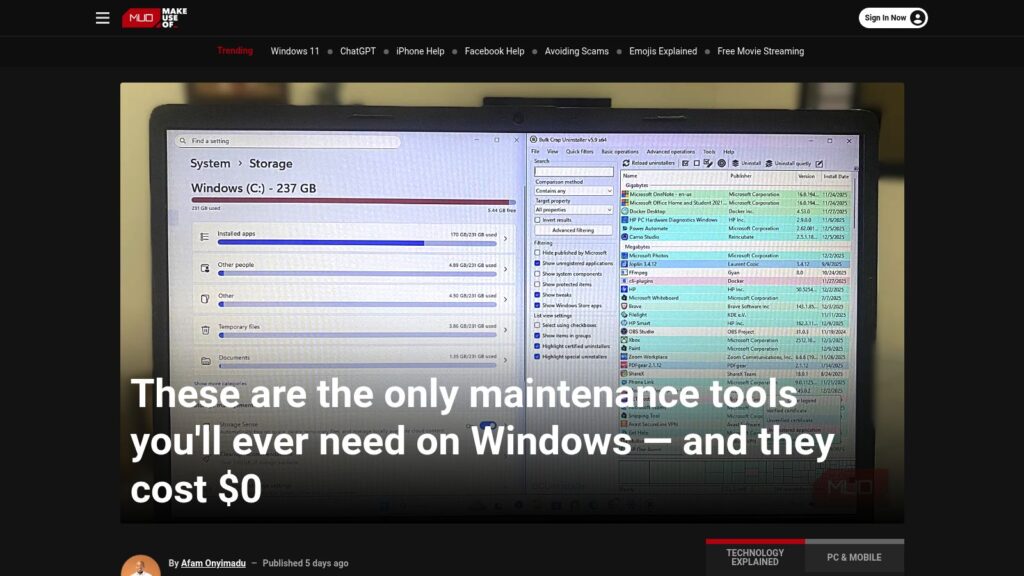
These Are the Only Maintenance Tools You’ll Ever Need on Windows — and They Cost $0

Free Windows maintenance tools eliminate clutter, enhance performance, and ensure system health without cost. Key utilities include:

  1. BCUninstaller – Deep deletions of apps.
  2. BleachBit – Cleans system files, enhancing speed.
  3. WizTree – Quickly analyzes disk usage.
  4. CrystalDiskInfo – Monitors drive health.
  5. Snappy Driver Installer Origin – Updates drivers offline.
  6. Duplicati – Sets up encrypted backups.
  7. Sysinternals Suite – Advanced diagnostics for system issues.

These tools provide essential functionalities, saving costs and offering efficient computer maintenance.

https://www.makeuseof.com/only-maintenance-tools-youll-ever-need-on-windows-they-cost-0/

Century-Scale Storage

Century-Scale Storage Overview

Topic: Storing digital data for 100 years.

Key Points:
– Historical Context: IBM’s RAMAC, developed in the 1950s, was the first hard drive with instant data retrieval but became obsolete in six years.
– Current Digital Storage Concerns: Most digital records, artifacts, and art are stored electronically, facing short-term design issues. There’s a demand for long-term preservation strategies.
– Storage Methods Discussed:
– Hard Drives: Mechanical parts risk failure; long-term solutions need meticulous maintenance and regular upgrades to ensure data remains accessible.
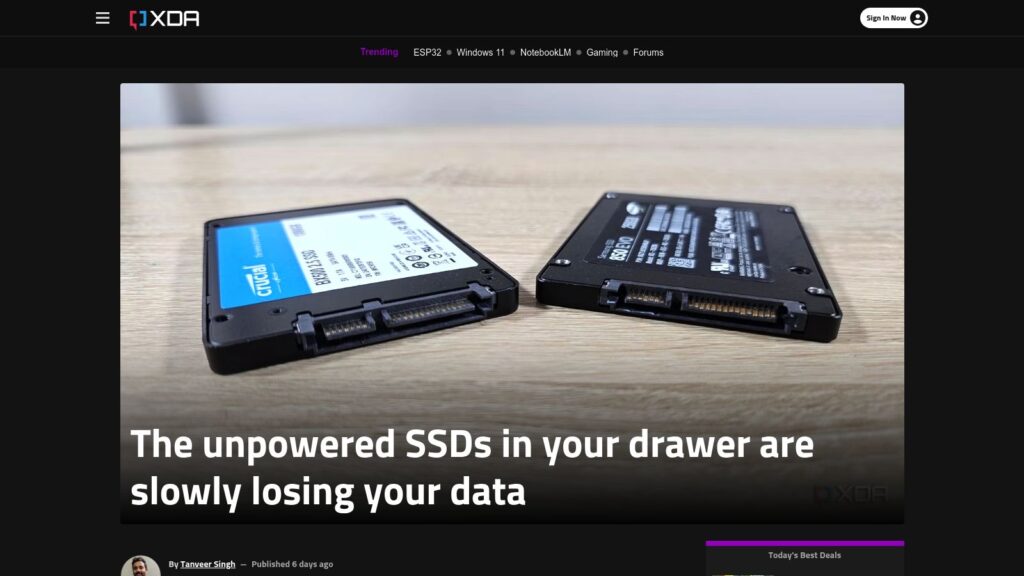
– Solid State Drives (SSDs): Fast and no moving parts but have a limited lifespan and degrade over time without power.
– Cloud Storage: Convenient and accessible but relies on external companies and infrastructure that may not last a century.
– Recommendations: Store data in multiple formats across various locations, emphasizing redundancy. Use non-proprietary formats for longevity.
– Challenges: Maintaining the necessary technology and access methods for digital data preservation over time poses significant obstacles, requiring institutional commitment and resources.

Conclusion: Effective century-scale storage requires addressing mechanical reliability, technological advancements, and a cultural commitment to long-term preservation.

https://lil.law.harvard.edu/century-scale-storage/

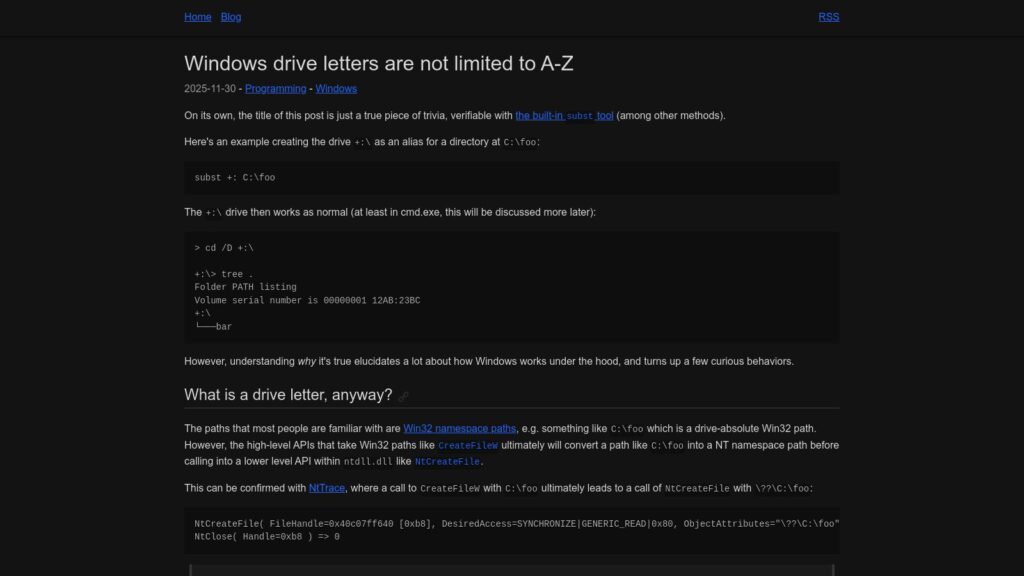
Windows Drive Letters Are Not Limited to A-Z

Windows drive letters aren’t restricted to A-Z; the subst command allows creation of aliases like +:. Drive letters function as symbolic links within the NT namespace, with paths converted by certain APIs. While alternatives exist for drive letters, applications like File Explorer and PowerShell only recognize A-Z letters, limiting usability. Non-ASCII drive letters are technically possible, yet may yield inconsistent behavior across different applications and APIs, leading to potential encoding issues.

https://www.ryanliptak.com/blog/windows-drive-letters-are-not-limited-to-a-z/

Why People Keep Flocking to Linux in 2025 (and It’s Not Just to Escape Windows)

Linux desktop market share grew from 1.5% (2020) to above 5% (2025), driven by distrust in Windows, especially after users’ dissatisfaction with Microsoft’s support approaches. Many Windows users, facing hardware restrictions and privacy concerns, are switching to Linux, with Zorin OS reporting 78% of its recent downloads from Windows users. Overall, when including Android and ChromeOS, Linux could claim a dominant position in end-user operating systems, surpassing Windows. Drivers for this trend include simplified usability, improved gaming support, and privacy concerns.

https://www.zdnet.com/article/why-people-keep-flocking-to-linux-in-2025-and-its-not-just-to-escape-windows/

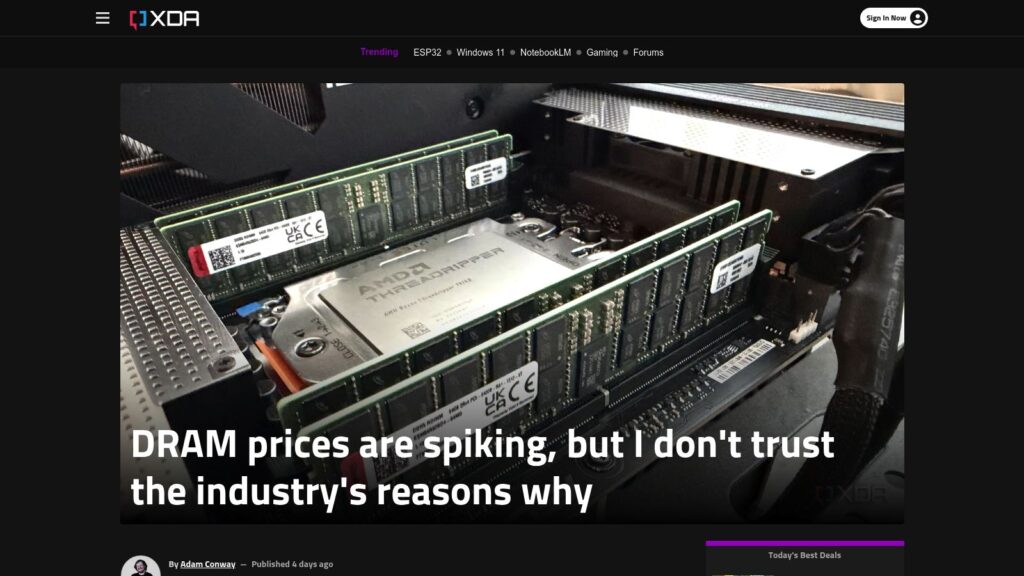
DRAM Prices Are Spiking, but I Don’t Trust the Industry’s Reasons Why

DRAM prices surged globally in 2025, more than doubling due to demand from AI data centers, with contract prices rising 171.8% year-over-year. Retail prices saw dramatic increases, and shortages persist, with major manufacturers slow to ramp up production, citing previous market volatility. Skepticism surrounds the industry’s claims of supply-demand imbalance, given their history of price-fixing and profit-focused strategies. The situation is complex, combining genuine demand with potential artificial inflation of prices. The outlook suggests high prices could continue into 2026 or longer, unless the AI demand declines or production capacity increases.

https://www.xda-developers.com/dram-prices-spiking-dont-trust-industry-reasons/

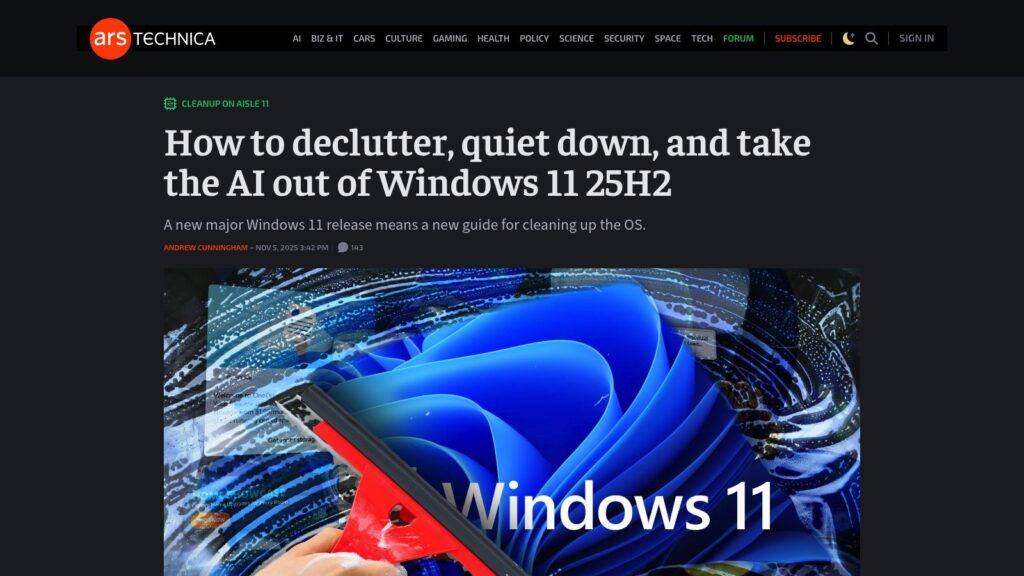
How to Declutter, Quiet Down, and Take the AI Out of Windows 11 25H2

TLDR: Detailed guide for decluttering and optimizing Windows 11 25H2 setup, emphasizing avoiding Microsoft account sign-in, disabling telemetry, and cleaning up pre-installed apps and Edge settings. Focus on user-friendly approaches for a minimalist experience while retaining essential functionalities.

https://arstechnica.com/gadgets/2025/11/what-i-do-to-clean-up-a-clean-install-of-windows-11-23h2-and-edge/

Scroll to Top