Century-Scale Storage
Century-Scale Storage Overview
Topic: Storing digital data for 100 years.
Key Points:
– Historical Context: IBM's RAMAC, developed in the 1950s, was the first hard drive with instant data retrieval but became obsolete in six years.
– Current Digital Storage Concerns: Most digital records, artifacts, and art are stored electronically, facing short-term design issues. There’s a demand for long-term preservation strategies.
– Storage Methods Discussed:
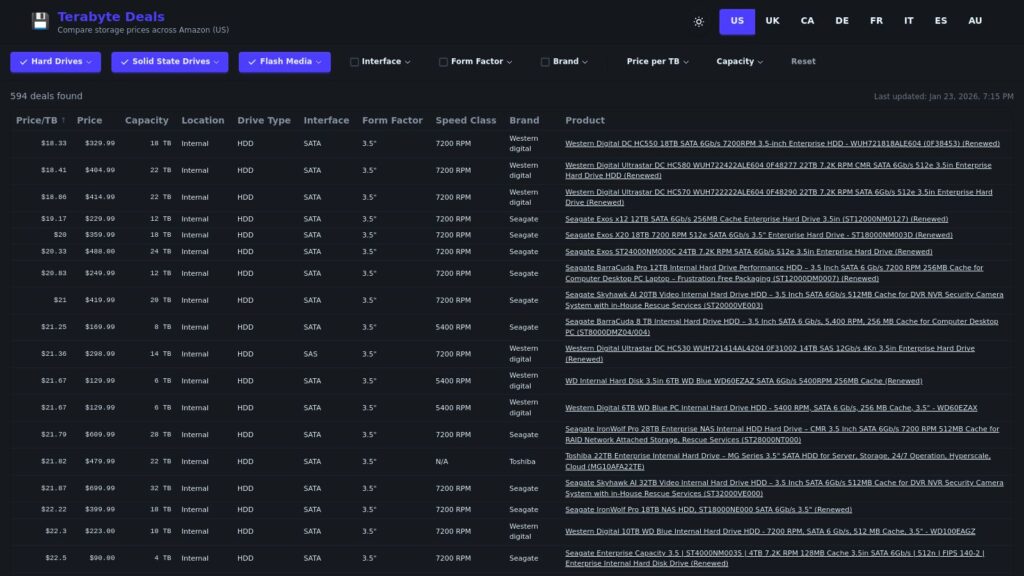
– Hard Drives: Mechanical parts risk failure; long-term solutions need meticulous maintenance and regular upgrades to ensure data remains accessible.
– Solid State Drives (SSDs): Fast and no moving parts but have a limited lifespan and degrade over time without power.
– Cloud Storage: Convenient and accessible but relies on external companies and infrastructure that may not last a century.
– Recommendations: Store data in multiple formats across various locations, emphasizing redundancy. Use non-proprietary formats for longevity.
– Challenges: Maintaining the necessary technology and access methods for digital data preservation over time poses significant obstacles, requiring institutional commitment and resources.
Conclusion: Effective century-scale storage requires addressing mechanical reliability, technological advancements, and a cultural commitment to long-term preservation.