USB Cheat Sheet

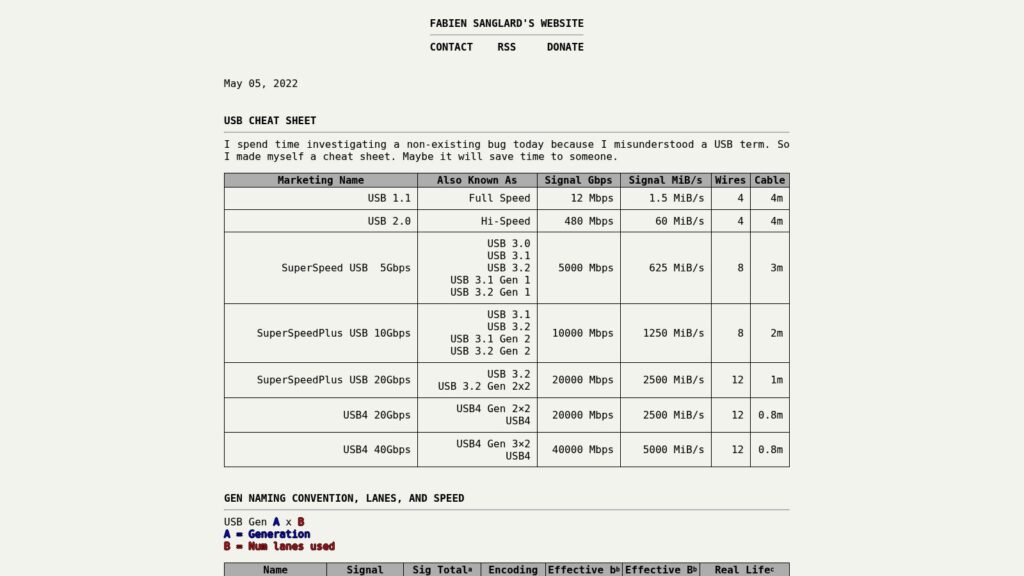
Fabien Sanglard created a detailed USB cheat sheet summarizing various USB versions, their signal speeds, wire counts, cable lengths, and charging capabilities to clarify common USB terminology and specifications. The sheet includes information on marketing names, encoding methods, real-life throughput, connector types, and power delivery standards up to USB4 and USB-C PD 3.1, aiming to help avoid confusion and aid better understanding of USB technologies.
https://fabiensanglard.net/usbcheat/index.html

The Paper Computer

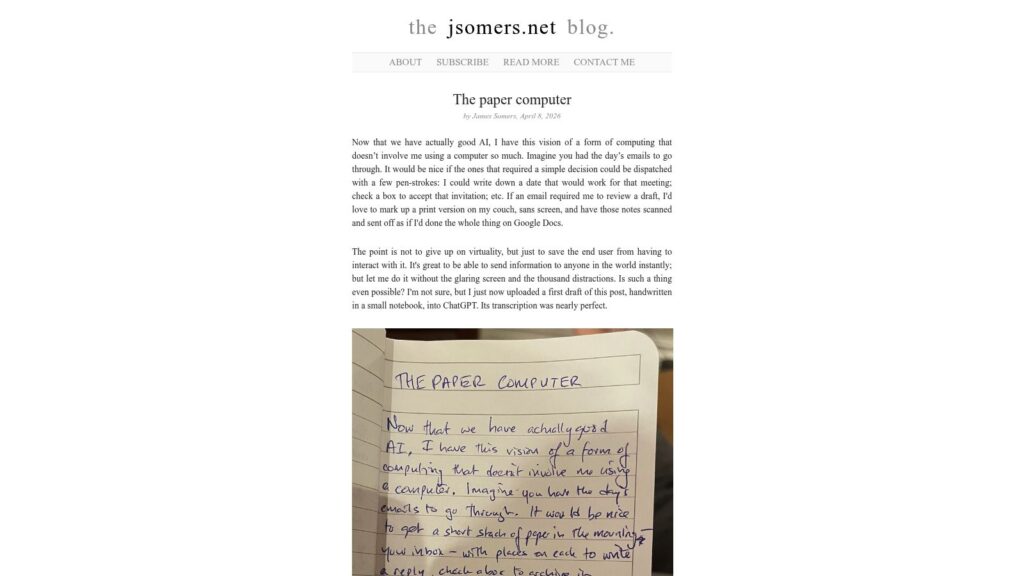
In his blog post “The paper computer,” James Somers envisions a future where computing blends the physical and virtual worlds, allowing people to interact with digital tasks through tangible, paper-like methods such as handwriting notes or organizing physical cards, while still retaining the flexibility and connectivity of digital systems. He reflects on the limitations of screens and multitasking distractions and imagines technologies that enable focused, single-purpose modes of interaction, aiming to reduce screen time and foster a more natural, less frenetic experience with technology.

https://jsomers.net/blog/the-paper-computer

RetinaDisplays.com

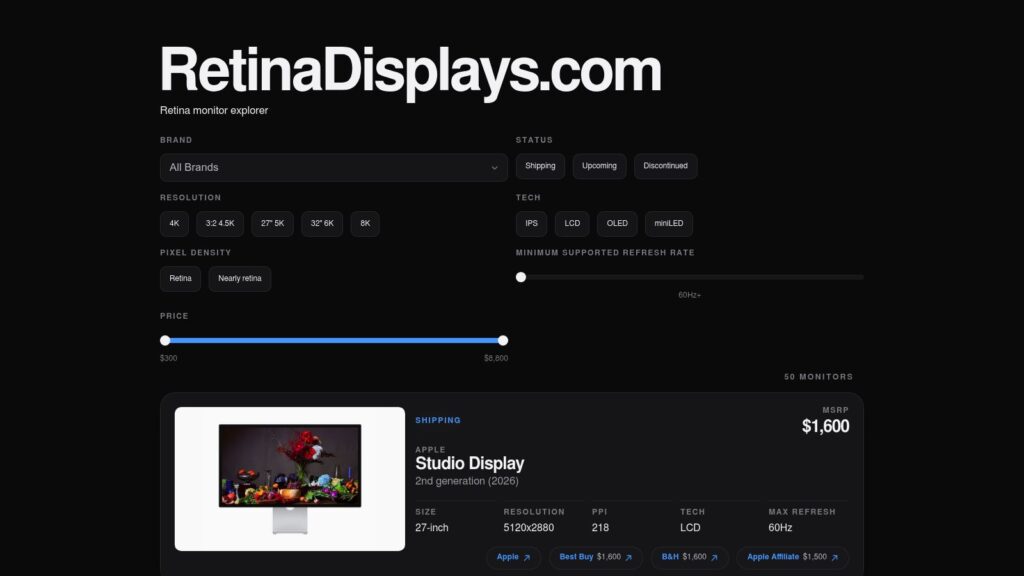
RetinaDisplays.com offers a comprehensive explorer for high-resolution retina monitors, showcasing 50 models across various brands like Apple, LG, Samsung, ASUS, Dell, and more. The site provides detailed specs including size, resolution, pixel density, display technology, refresh rates, MSRP, and purchasing links for popular monitors such as Apple’s Studio Display, LG UltraFine, and ASUS ProArt series. This resource highlights options ranging from 4K to 8K displays, covering both discontinued and upcoming models for professionals and enthusiasts seeking premium visual clarity.

https://retinadisplays.com/

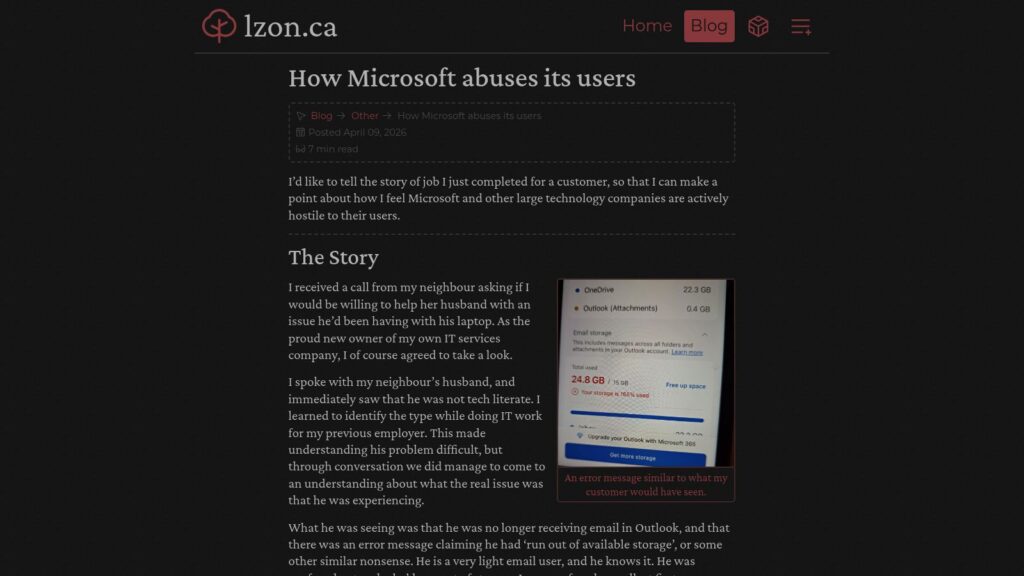
How Microsoft Abuses Its Users

The author recounts helping a non-technical user whose Outlook email stopped working due to Microsoft OneDrive’s default setting of syncing personal files, which unexpectedly filled his limited free storage and triggered error messages urging paid upgrades. The issue highlights how Microsoft’s design and dark patterns negatively affect everyday users, pushing them toward paid subscriptions without clear consent or understanding. The author resolved the problem by backing up data, removing files from OneDrive, and completely uninstalling OneDrive to prevent further issues, using this experience to criticize large tech companies for prioritizing profit over user respect.

https://lzon.ca/posts/other/microsoft-user-abuse/

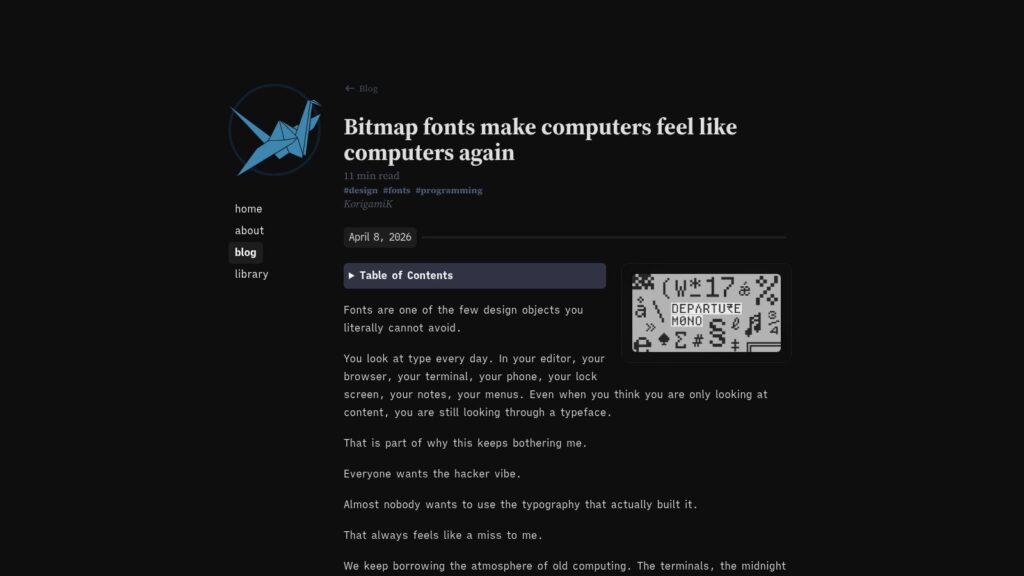
Bitmap Fonts Make Computers Feel Like Computers Again

The article argues that bitmap fonts, once essential due to screen constraints, remain uniquely expressive and precise compared to modern vector fonts, especially for programmers who need clear symbol distinction. It highlights the emotional and functional power of bitmap fonts, advocating for their renewed use in coding, design, and digital media to bring back the authentic “computer” feel that modern typography often lacks.

https://korigamik.dev/blog/bitmap_fonts/

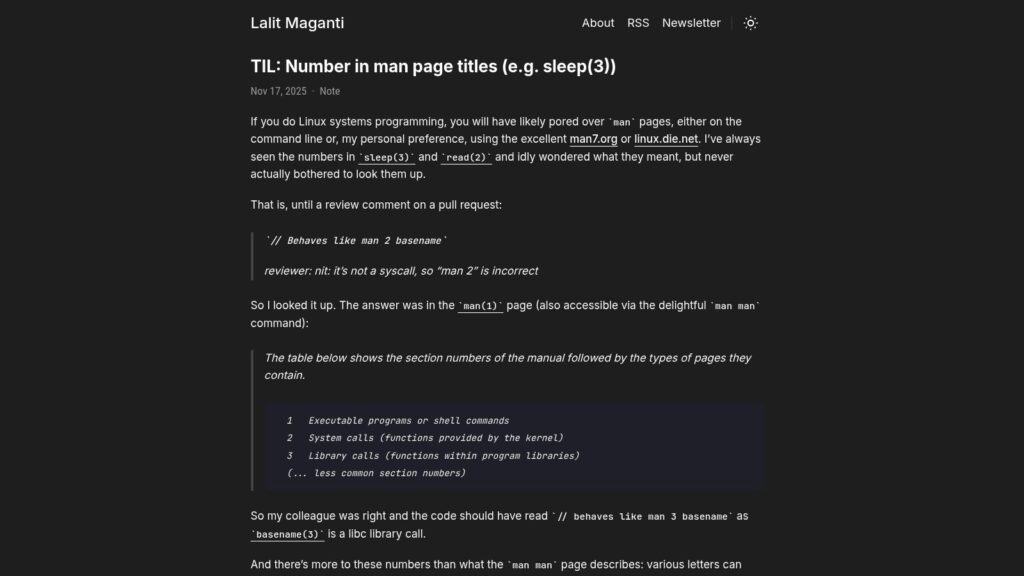
TIL: Number in Man Page Titles (E.g. Sleep(3))

The article explains the meaning of the numbers found in Linux man page titles, such as sleep(3) or read(2). These numbers indicate the manual section: for example, section 1 covers executable programs, section 2 system calls, and section 3 library calls, with additional suffix letters denoting standards like POSIX or X documentation. The author discovered this detail after a code review clarified the correct section reference for a function’s man page.

https://lalitm.com/til-number-in-man-page-titles-e-g-sleep-3/

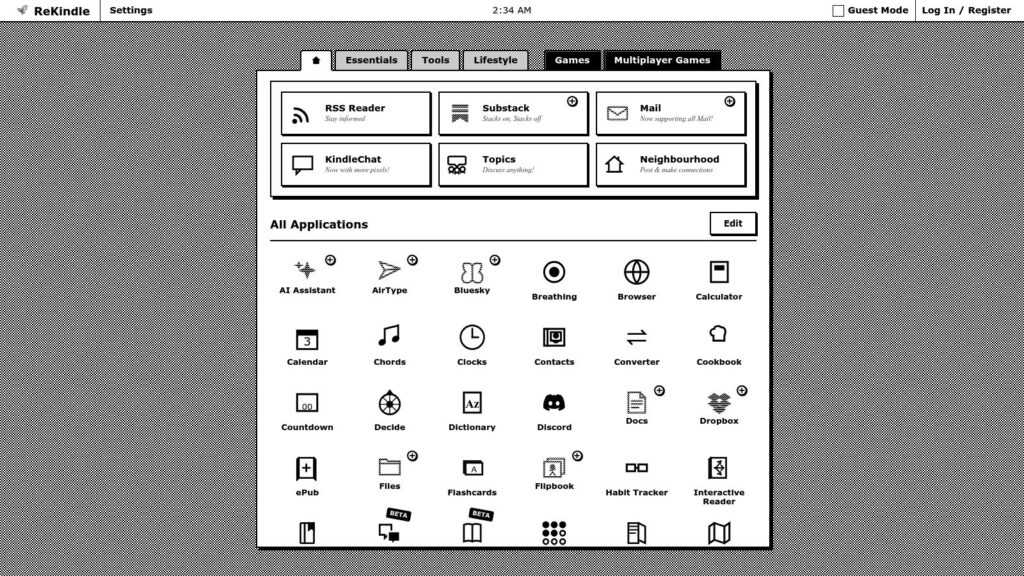
ReKindle

ReKindle is a web-based dashboard designed to upgrade E-ink devices like Kindle, Kobo, and Boox by turning them into versatile productivity tools, gaming devices, and news hubs. It supports firmware 5.16.4 and above and offers a wide range of applications and games within a unified interface, enhancing the capabilities of e-readers without sharing or selling user data.

https://rekindle.ink/

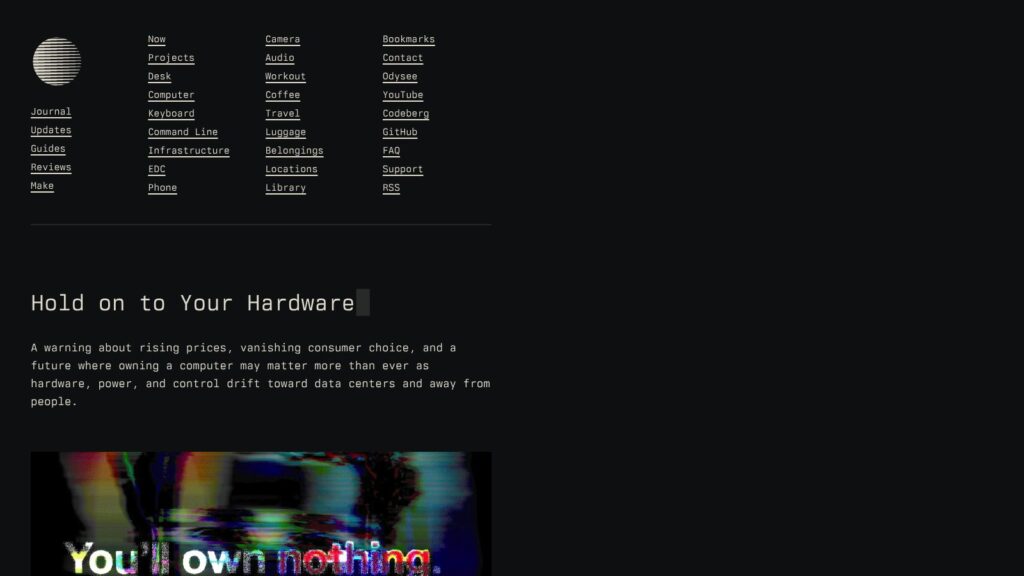
Hold on to Your Hardware

The article warns of a structural shift in the consumer hardware market driven by soaring demand from data centers and AI companies, causing long-term shortages and sharply rising prices for RAM, SSDs, and other components. As major manufacturers prioritize large enterprise clients over consumers, hardware affordability and availability are declining, threatening technological independence and signaling a future where owning and upgrading personal computers may become increasingly difficult or impractical.

https://xn--gckvb8fzb.com/hold-on-to-your-hardware/

Wine 11 Rewrites How Linux Runs Windows Games at the Kernel Level, and the Speed Gains Are Massive

Wine 11 introduces a major rewrite in how Linux handles Windows game synchronization by implementing the new NTSYNC kernel driver, which replaces inefficient user-space workarounds like esync and fsync with kernel-level synchronization, resulting in massive performance improvements. Additionally, Wine 11 completes the WoW64 architecture for seamless 32-bit and even 16-bit application support on 64-bit systems, enhances Wayland compatibility, and includes numerous fixes and improvements that together represent the most significant advancement in Linux gaming via Wine since the emergence of Proton.

https://www.xda-developers.com/wine-11-rewrites-linux-runs-windows-games-speed-gains/

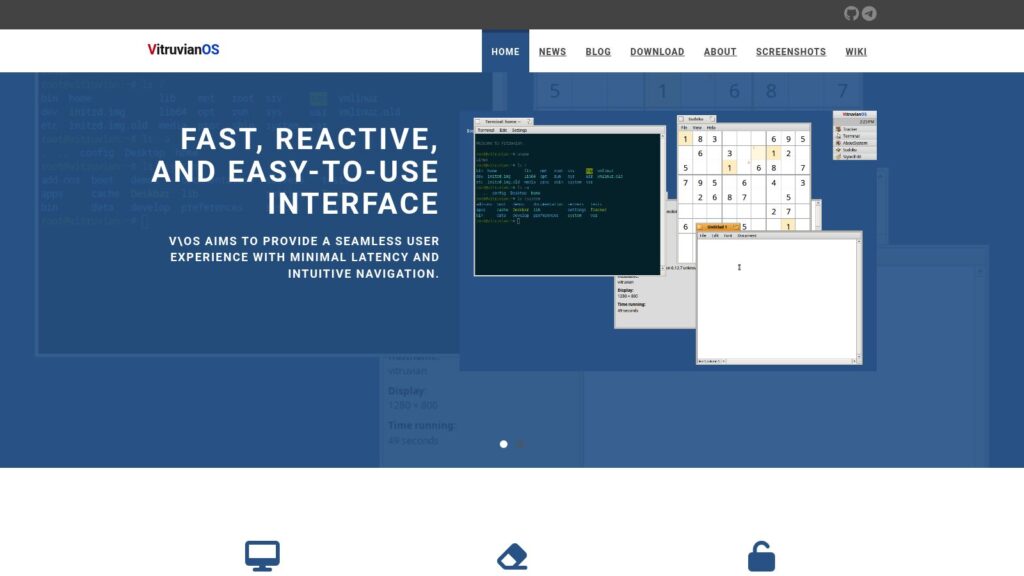
VitruvianOS

VitruvianOS (V\OS) is a free, open-source Linux-based operating system inspired by BeOS and Haiku, designed to deliver a fast, intuitive, and user-friendly desktop experience. It features a highly integrated desktop environment, supports BeOS/Haiku runtime with minimal API changes, and includes a custom Linux kernel subsystem called Nexus for enhanced device tracking and messaging. The system emphasizes privacy, ease of use, and community engagement, offering an “out of the box” solution with a focus on performance and simplicity.

https://v-os.dev/

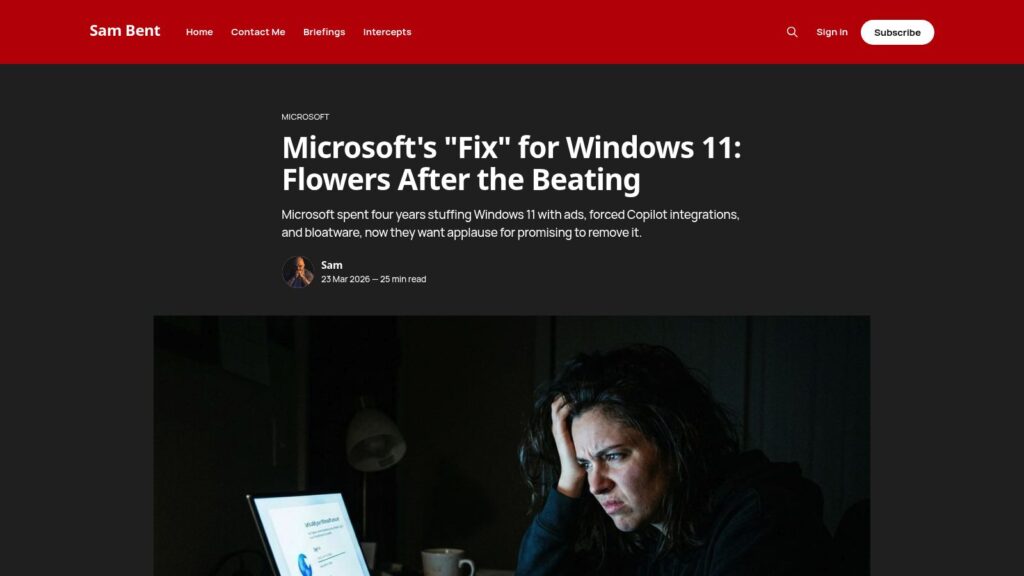
Microsoft’s “Fix” for Windows 11: Flowers After the Beating

Microsoft’s recent announcement of a 7-point plan to “fix” Windows 11 is criticized as an insufficient response to years of user dissatisfaction caused by forced AI integrations, pervasive ads, mandatory Microsoft accounts, invasive data collection, and forced OneDrive syncing that harmed user control and privacy. While Microsoft promises to remove some visible annoyances like unmovable Copilot buttons and ads, it does not address deeper issues such as telemetry that cannot be fully disabled, forced cloud account usage, and aggressive data harvesting, leaving many of the more intrusive and privacy-hostile practices intact.

https://www.sambent.com/microsofts-plan-to-fix-windows-11-is-gaslighting/

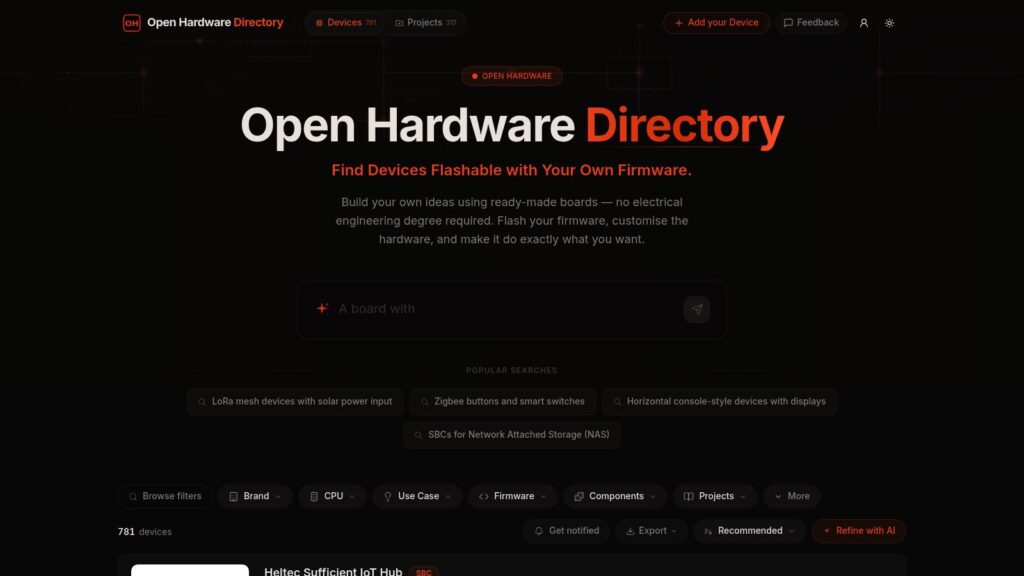
Open Hardware Directory

The Open Hardware Directory is a platform showcasing 781 devices that can be flashed with custom firmware, enabling users to build personalized hardware solutions without needing an electrical engineering degree. It features a variety of open hardware devices including single-board computers, development boards, IoT gateways, and modules with diverse functionalities such as WiFi, Bluetooth, LoRa, LTE, AI processing, and more, designed for applications in IoT, industrial automation, environmental monitoring, smart homes, and gaming. The directory provides detailed specifications, use cases, and pricing for each device, making it a valuable resource for hobbyists and developers.

https://openhardware.directory/

Microsoft Quietly Scraps Plans to Bring Copilot to Notifications and Settings on Windows 11 as It Moves to Reduce AI Bloat Across the OS

Microsoft has quietly scrapped its plans to integrate Copilot AI features into Windows 11’s notifications and Settings app, scaling back its original vision of an AI assistant embedded across the OS. Instead, Microsoft is adopting a more measured approach by reducing AI bloat, delivering AI capabilities without the Copilot branding, and focusing on making AI features optional and less intrusive in system apps.

https://www.windowscentral.com/microsoft/windows-11/microsoft-quietly-scraps-plans-to-bring-copilot-to-notifications-and-settings-on-windows-11-as-it-moves-to-reduce-ai-bloat-across-the-os

Recordly – Open-source App for Incredible Screen Recordings.

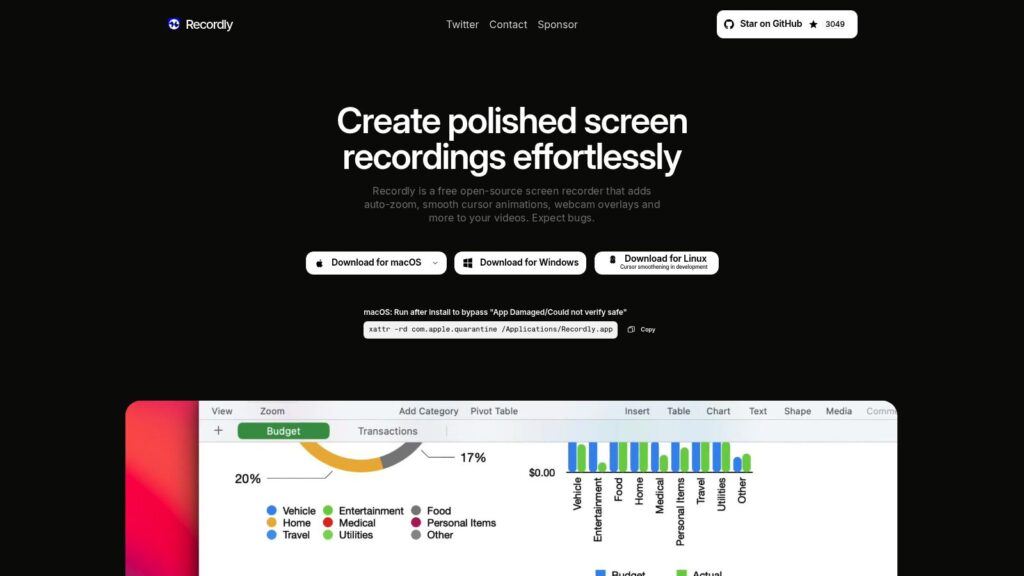
Recordly is a free, open-source screen recording software that enhances videos with auto-zoom, smooth cursor animations, dynamic webcam overlays, and customizable backgrounds to minimize editing time. It features a user-friendly timeline editor for controlling video speed, zoom, annotations, audio, and more, while supporting dual audio sources, project saving, and export options like MP4 and GIF. Designed for creators, Recordly is available on macOS, Windows, and Linux with no paywalls or limits.

https://recordly.dev/

Ageless Linux — Software for Humans of Indeterminate Age

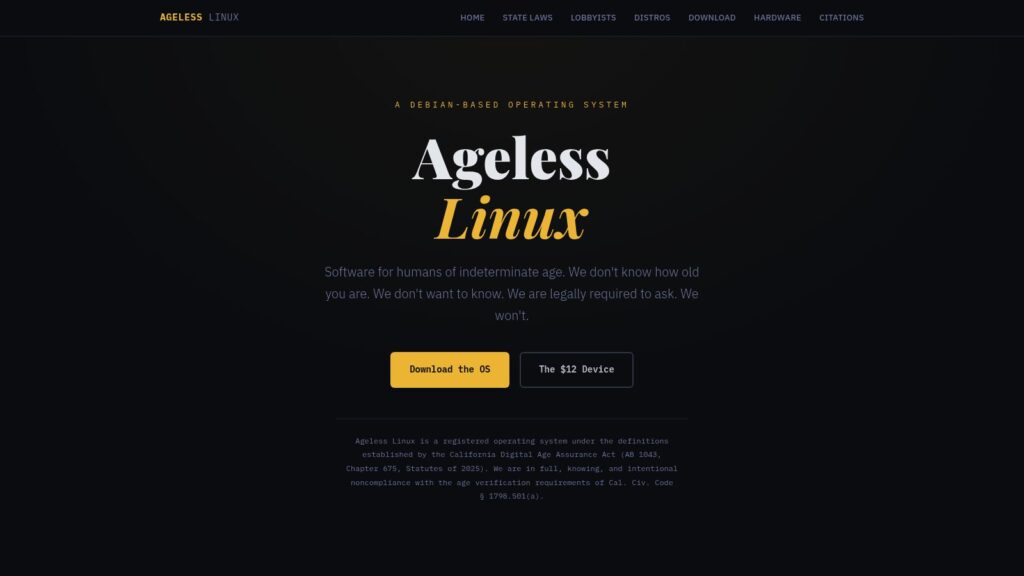
Ageless Linux is a Debian-based operating system intentionally designed to be noncompliant with California’s Digital Age Assurance Act (AB 1043), which mandates age verification for users. The project highlights how the law disproportionately burdens small and volunteer-driven Linux distributions that cannot implement costly age-gating infrastructure, contrasting them with large corporations like Apple and Google that already comply easily. Ageless Linux rejects age-based user categorization, aiming to preserve user privacy and challenge the regulatory framework by providing an operating system that does not collect or transmit age data, thereby exposing contradictions and enforcement challenges in AB 1043.

https://agelesslinux.org/

Scroll to Top